Social Media Managers
WEB-TV FOR SOCIAL MEDIA MANAGERS

More control
over the live.
More room for the message.

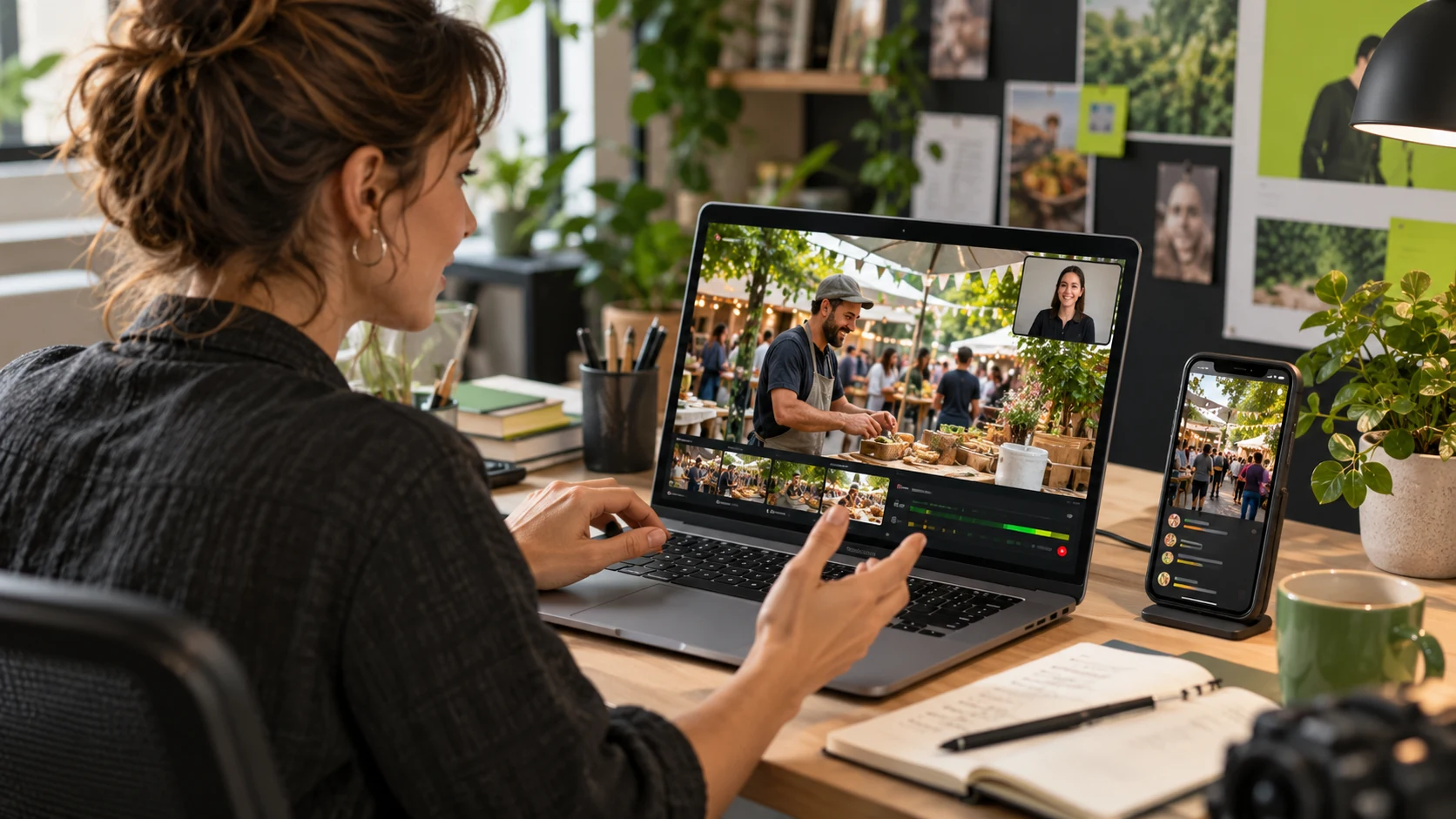
Coordinate images, people and destinations in one production workflow. WEB-TV creareMEDIA helps turn a live session into a prepared, recognisable and repeatable editorial appointment.

Browser productionRemote guestsYouTube + Facebook
Illustrative image
WEB-TV creareMEDIASeries · campaigns · appointmentsPRODUCTION · GUESTS · MULTISTREAM
SIMULATION / LOCAL CAMPAIGN

A neighbourhood series, directed from the agency.

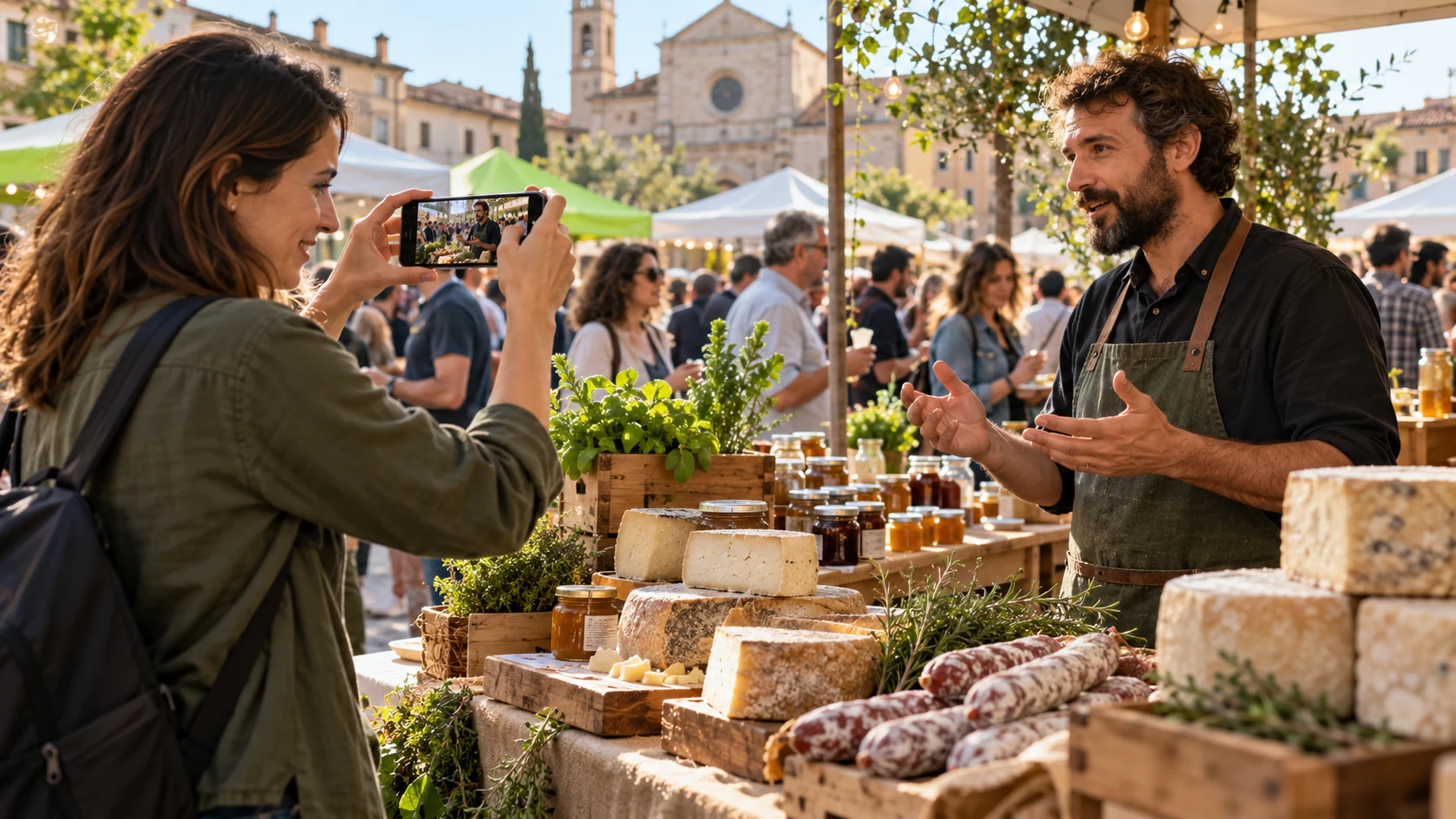
A campaign features local artisans at a food festival. Anna coordinates, Marta moves between stalls with Android, Luca demonstrates a craft and Sara joins on iPhone as an expert. WEB-TV creareMEDIA supports a prepared episode with a clear editorial goal. The scenario and participants are fictional.

Fictional participants and scenario
A neighbourhood series, directed from the agency.
Fictional participants and scenario
01 / WEB-TV creareMEDIA

Live production joins your editorial plan.

An episode with a clear purpose

Use WEB-TV creareMEDIA for expert Q&As, regular features, presentations and audience conversations. Start with the client’s message, organise a running order and prepare titles and scenes. During the show, distinguish preview from public programme, control sources and support the conversation with relevant visual information rather than improvising the whole production.

A smartphone becomes a working source

Guests can join on Android or iPhone to comment; an on-site operator can use a phone to show the event to production using the appropriate source role. The central computer composes the programme. Invitations, camera and microphone permissions and network configuration are required; headphones help avoid audio feedback during conversation.

Reach the channels you choose

Distribute the same programme to YouTube and Facebook and add a configured website player. Different audiences can follow the same appointment while you keep one production workflow. Platform comments, post scheduling and results analysis remain external tasks: WEB-TV creareMEDIA focuses on producing and distributing the live programme.

02 / WEB-TV creareMEDIA

Decisions before, during and after the live

01

Before: choose a clear editorial promise

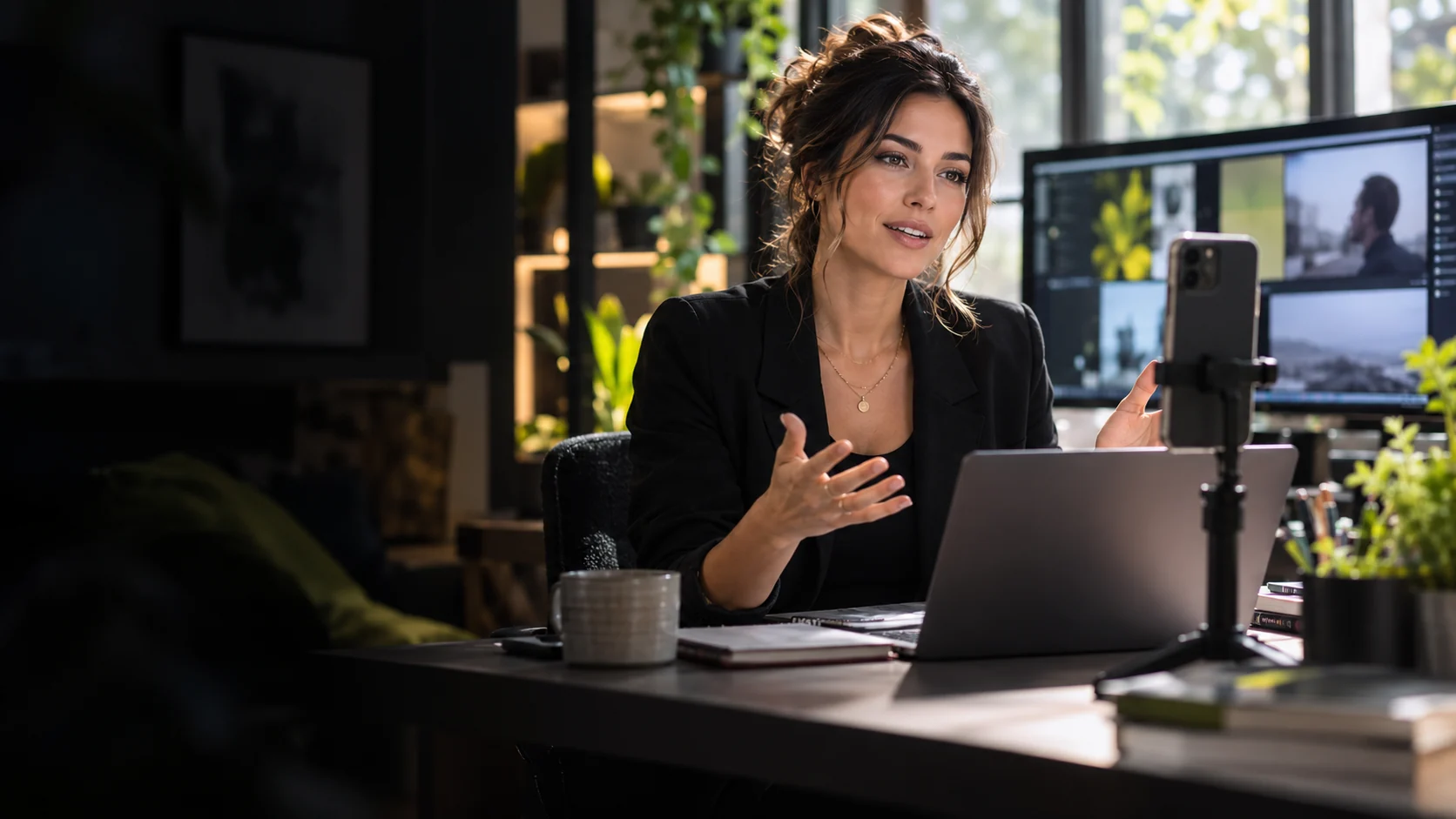
Anna defines what viewers should understand: a process, origin or product difference. She prepares three questions, agrees shots with Marta and tests guests. This is editorial preparation, not an automated publishing calendar.

02

During: connect place and explanation

Marta shows the festival, Luca explains and Sara adds expertise. WEB-TV creareMEDIA combines sources while Anna maintains clear information. An operator follows social questions on the platforms themselves: the studio has no unified comments inbox.

03

After: separate content, archive and results

The recorded master documents the episode. Reels, captions, scheduled posts and campaign analytics need additional tools. The hub’s contribution is a coherent programme that can be handed to the people doing that work.

Anna · Social media manager
Fictional participants and scenario
Scenario roles

Anna / Social media manager

Directs from the computer, checks names, titles and destination outputs.

Production computer
03 / WEB-TV creareMEDIA

People, signals and destinations

The process stays central, with Luca and Sara in tiles.

04 / WEB-TV creareMEDIA

Who does what, using which device

Android smartphone

Marta · Field reporter

Shows stalls and craft activity as the main event camera.

Computer webcam

Luca · Guest business owner

Explains from a fixed webcam without moving the reporter’s camera.

iPhone + headphones

Sara · Supply-chain expert

Comments on iPhone with headphones and connects the demonstration to the campaign.

Production computer

Anna · Social media manager

Directs from the computer, checks names, titles and destination outputs.

05 / WEB-TV creareMEDIA

The episode’s path

  1. Prepare

    Message and participants

    Episode title, questions, names and an actual field connection test.

  2. Host

    Place and expertise

    Mobile main camera, speaker tiles and clear on-screen information.

  3. Reuse

    Master for later work

    Hand the final programme to an editor and analyse results in the platforms.

06 / WEB-TV creareMEDIA

Audience and destinations

The process stays central, with Luca and Sara in tiles.

YouTubeVisual simulation, not an active player
A neighbourhood series, directed from the agency.
LucaSara
WEB-TV creareMEDIA

YouTube / client series

FacebookVisual simulation, not an active player
A neighbourhood series, directed from the agency.
LucaSara
WEB-TV creareMEDIA

Facebook / local community

Website playerVisual simulation, not an active player
A neighbourhood series, directed from the agency.
LucaSara
WEB-TV creareMEDIA

Website / campaign page

07 / WEB-TV creareMEDIA

What changes in everyday work

A mobile camera and a mobile guest need different preparation

Marta needs stable framing, orientation and suitable location audio. Sara needs a clear face shot, headphones and a quiet setting. The same device can do different jobs.

Output checks belong to editorial delivery

Anna checks every platform before announcing availability. The programme may be well composed even if a destination has invalid credentials or awaits its public start.

The current browser production is HD 720p. Test remote connections and the planned number of guests in the actual installation.

WEB-TV creareMEDIA

Questions about this scenario

Does the software read every social comment?

No. Follow questions on the platforms and bring them into the conversation. Unified chat is not presented as an available feature.

Should filming and directing be separate jobs?

For mobile field coverage this is useful: the reporter handles images and context while the manager controls the episode and destinations.

WEB-TV creareMEDIA

Give your next project its own production studio.

Tell us what you want to broadcast, where guests will join from and where you want to reach your audience. We’ll plan the demonstration together.

Email usCall us