What will we observe?
Elisa introduces goal and model without treating an unobserved result as certain.
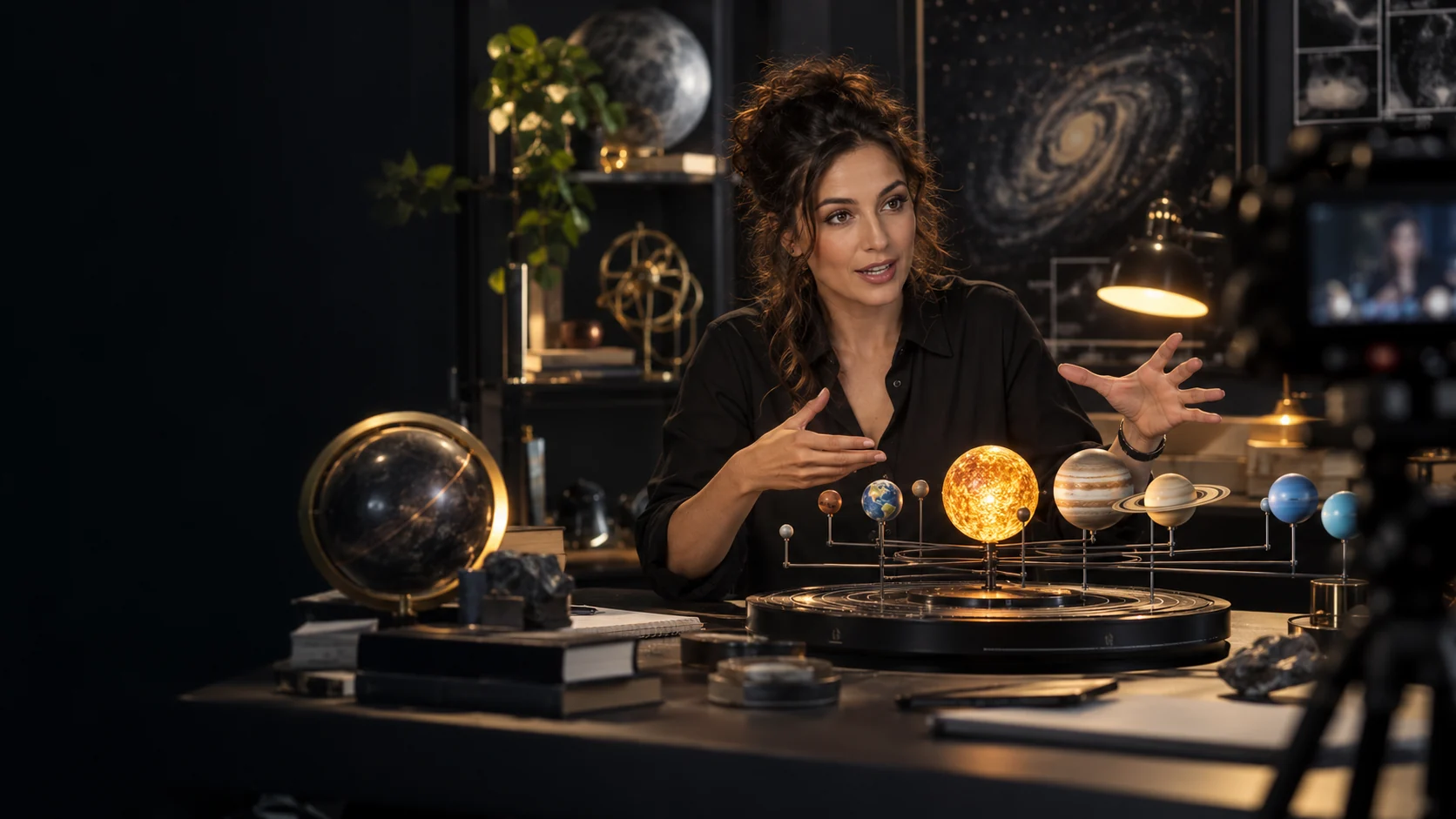
Experiments, models, explanations and expert discussion: WEB-TV creareMEDIA keeps the subject at the centre of the image and brings in the people who interpret it.
Elisa hosts a wing demonstration. Karim films the model by phone, Valentina joins as an engineer and Bruno adds a teaching perspective. WEB-TV creareMEDIA shows the experiment alongside its explanation, rather than asking viewers to imagine unseen details. The lab and participants are fictional.
Fictional participants and scenario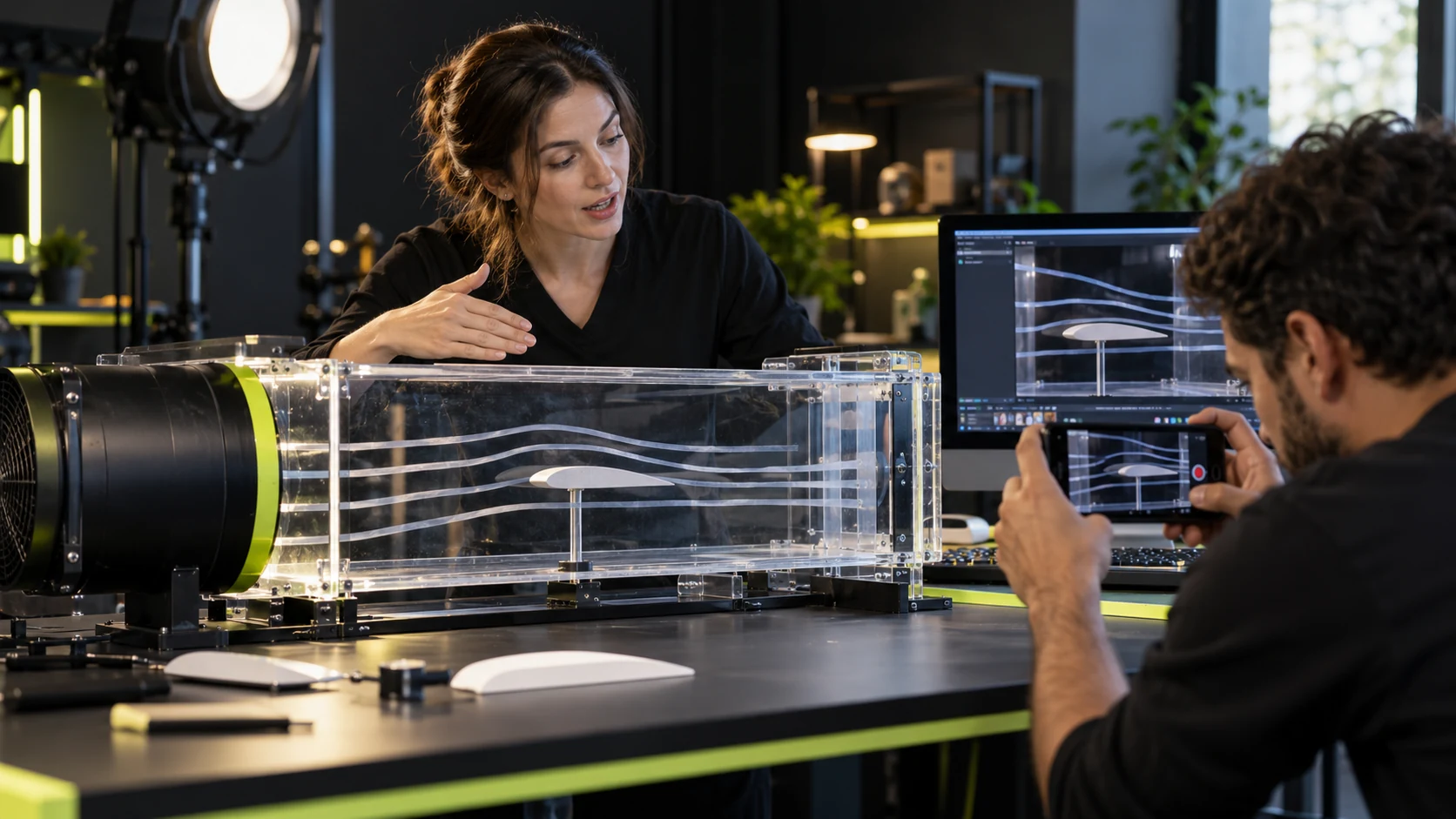
Elisa introduces goal and model without treating an unobserved result as certain.
Karim maintains the detail; production checks legibility and noise.
Valentina interprets, Bruno clarifies and the host summarises the model’s limits.
WEB-TV creareMEDIA suits scientific demonstrations, technical conversations and in-depth discussions. The main source can show an object or experiment while the presenter appears in a tile. Prepare the camera to make details and movement readable: the software combines images but does not replace lighting and suitable framing.
An expert can join by computer or phone without being in the studio. Production coordinates admission, sources and composition; event-audio ducking helps distinguish speech from demonstration sound. Technical activities benefit from a rehearsal balancing voices, relevant noises and guest returns so useful information is not lost.
Titles, names and ticker contextualise the subject. Distribution reaches configured social channels and website player; recording the final programme enables later external editing. WEB-TV creareMEDIA is not a learning platform with attendance, assessments or certificates and does not include automatic captions. These services can be scoped as part of a wider project.
Main model picture with explanations and questions in tiles.
Uses Android to frame the wing and visible airflow indicators.
Production decides what enters the programme
↔ Audio and video return to guests+ Final programme recording, when enabled
Introduces the question and guides observation from her webcam.
Explains the model and demonstration limits from her laptop.
Joins on iPhone with headphones to clarify terms and difficult steps.
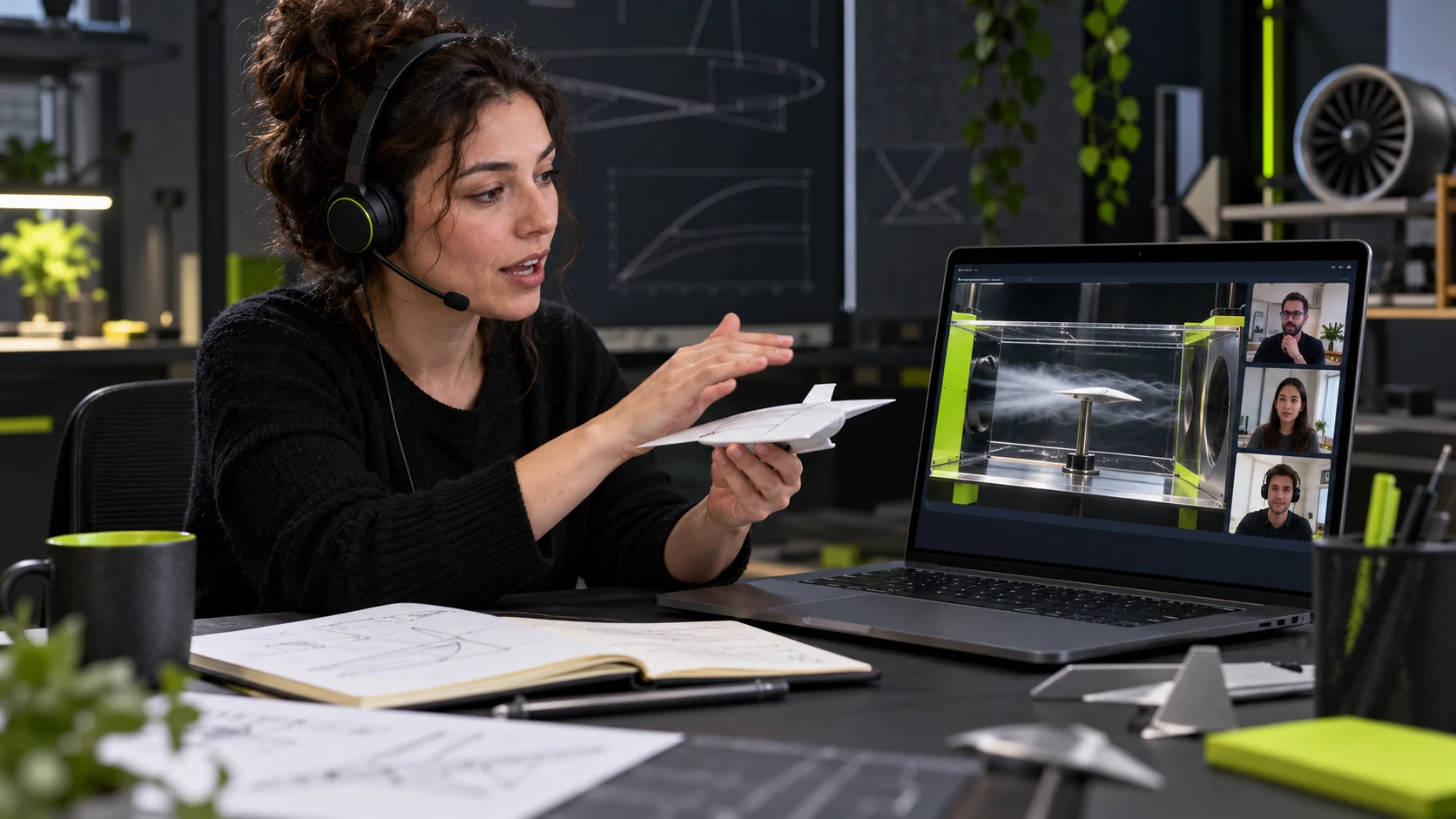
Explains the model and demonstration limits from her laptop.
Elisa prepares the hypothesis and what viewers should watch. Karim tests a shot where model and indicators are clear. Production prepares titles and key terms; the software generates neither scientific annotations nor automatic experiment recognition.
The fan belongs to the scene but may cover speech. Rehearsed ducking helps during comments. Check that reduction does not remove a meaningful acoustic cue. Headphones and correct returns let experts contribute without feedback.
Karim shows, Elisa hosts, Valentina interprets and Bruno rephrases. The model remains primary instead of being replaced by a grid of faces. Recording preserves the explained sequence for later external work.
Main model picture with explanations and questions in tiles.
The presenter explains what is demonstrated and what is excluded. WEB-TV creareMEDIA is an audiovisual tool: it does not calculate results, validate a hypothesis or certify scientific accuracy.
Clear names, readable terms and observation pauses help viewers. Automatic captions, translation and learning assessments are not included; accessible materials need a dedicated production path.
The current browser production is HD 720p. Test remote connections and the planned number of guests in the actual installation.
No. It transmits prepared images, speech and information. Measurements, interpretation and validation belong to experts and experimental tools.
The programme can be recorded and reused within its rights. Attendance, assessment and certificates require a learning platform or additional service.