
Receive the invitation
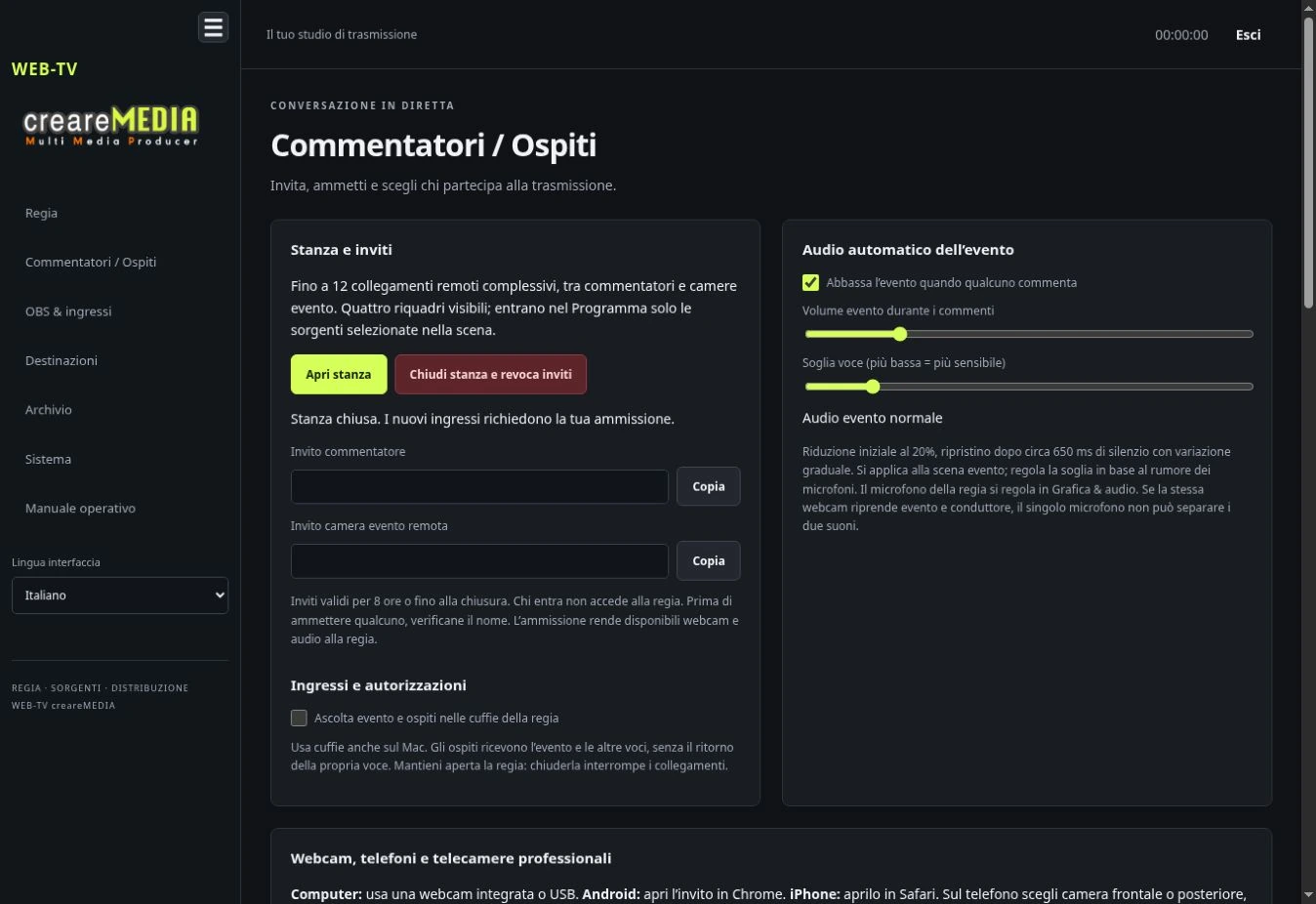
The newsroom sends the HTTPS room link and assigns the event-camera/reporting or commentator role. Reporters do not receive social stream keys and do not create their own tunnel.
Your television.
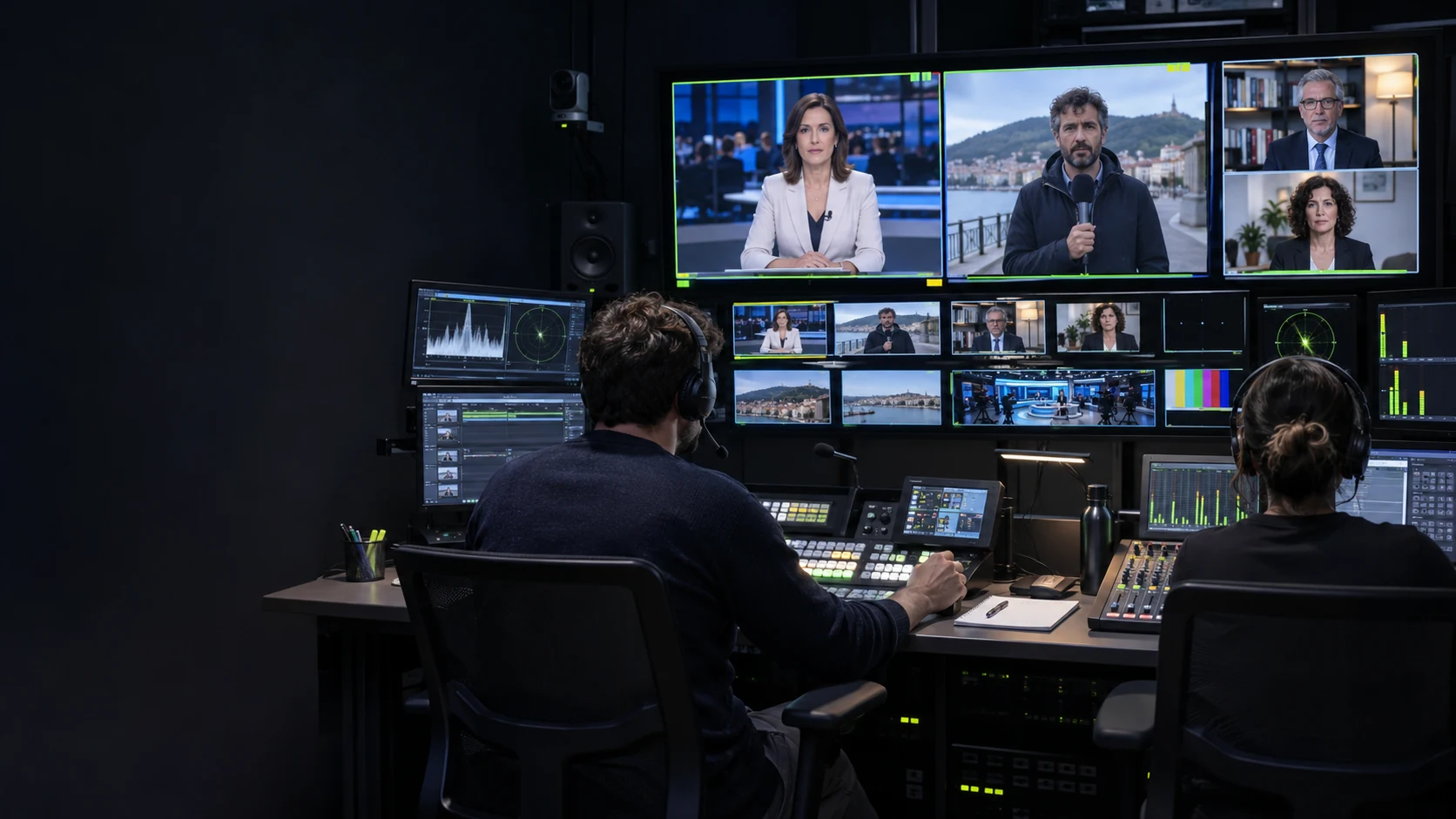
Self-sufficient field reporters, studio presenters and guests joining from different locations. WEB-TV creareMEDIA brings them into a complementary production desk, designed to connect to your station’s broadcast workflow.
A town-hall report, an interview from a regional bureau, experts joining from home: production can start with people already at the location. The director receives, checks and composes their contributions before taking them into the Programme.
This model addresses national networks, local stations, thematic channels and regional newsrooms.
A reporter can frame the shot, speak and follow the return on a smartphone, without carrying a computer or setting up a social encoder. This contribution model does not require a camera crew; a crew remains an editorial and production choice when the assignment needs one.
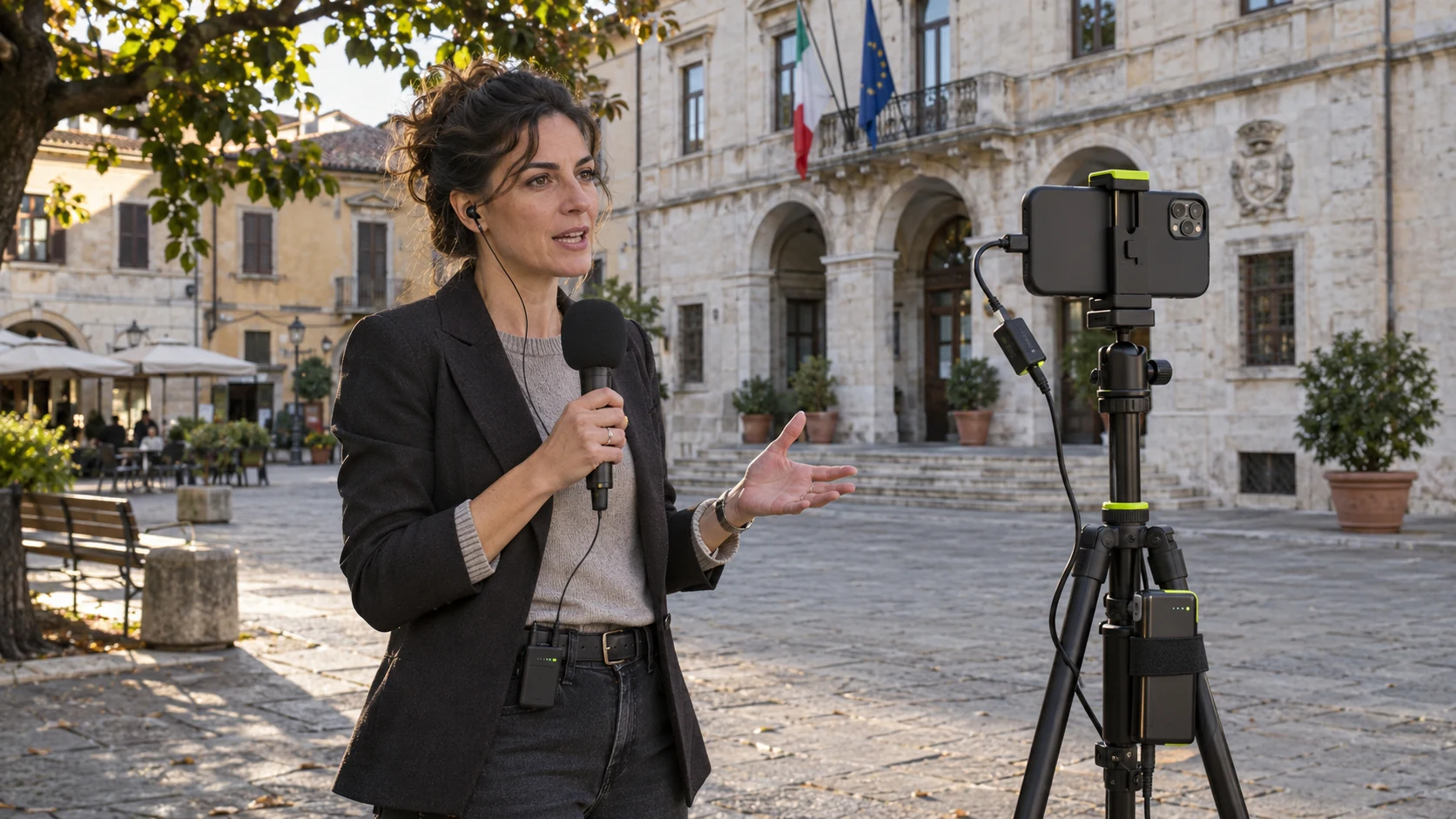
The newsroom sends the HTTPS room link and assigns the event-camera/reporting or commentator role. Reporters do not receive social stream keys and do not create their own tunnel.
Open the link, allow camera and microphone, select available devices and check framing. Keep the phone page in the foreground and monitor battery, coverage and microphone quality.
The director checks the feed and admits the participant. A connected reporter can remain off programme while getting ready: being connected does not mean being public.
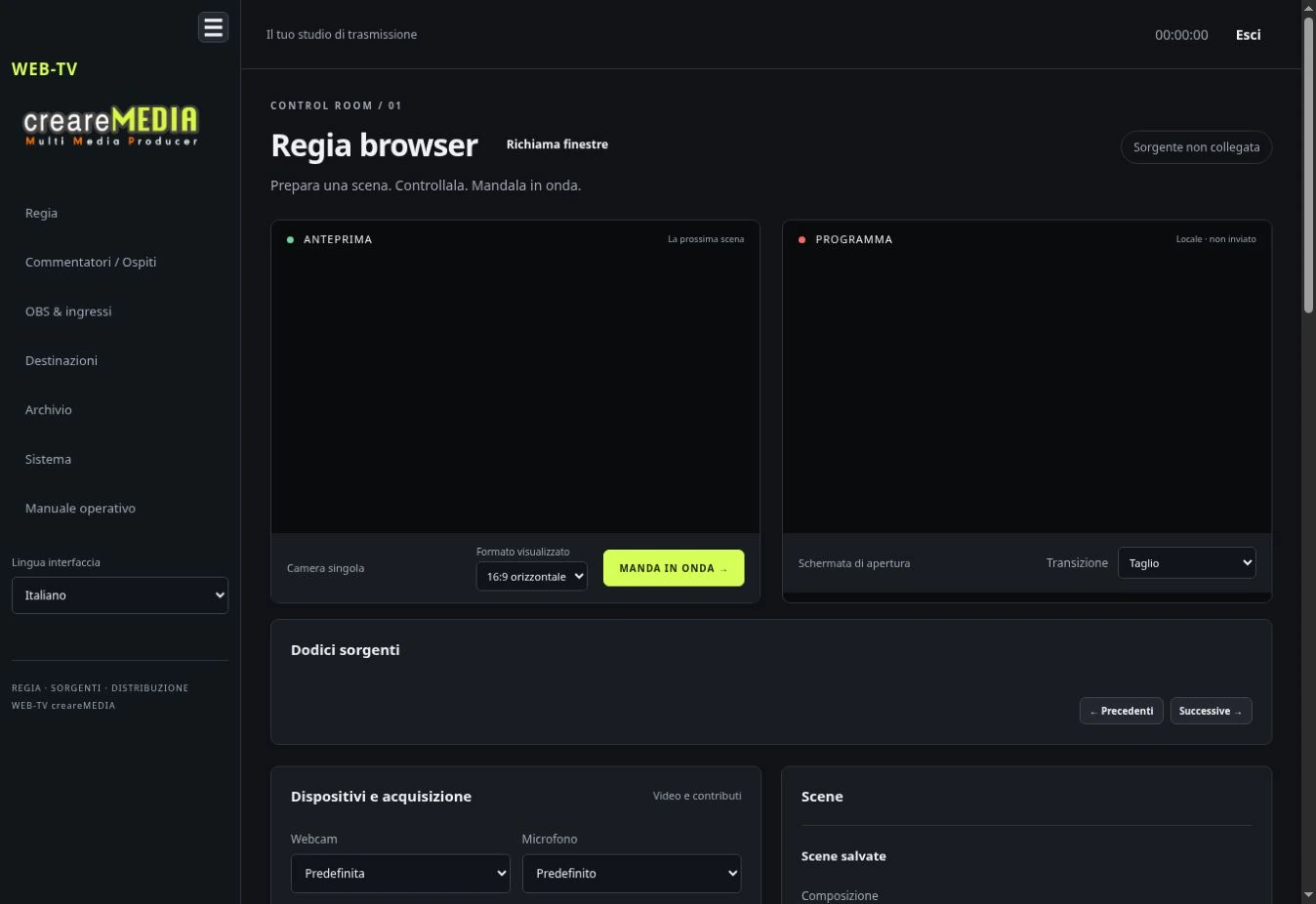
The director prepares Preview and takes the chosen scene into Programme. Field autonomy covers capture and connection; editorial control and the linear broadcast remain with the director and station.
With the room and its network access ready, a reporter opens an invitation and production can work with the available feed. There is no separate social destination to recreate for each reporter. The sequence is short: join, check, admit and select the scene.
Immediate describes the workflow, not zero latency. Delay and stability depend on coverage, devices, codecs, TURN relay and the station’s conversion chain. Measure end-to-end delay during the rehearsal.
The studio camera can be the main source, with admitted reporters and guests in the selected layout. Production switches interviews and event layouts, prepares lower thirds, and controls levels and mute. Input/output capacity depends on the licence and available resources.
WEB-TV prepares the contribution. A receiver or bridge adapts it to the station’s agreed format and input. The switcher, master control and playout keep their existing roles.
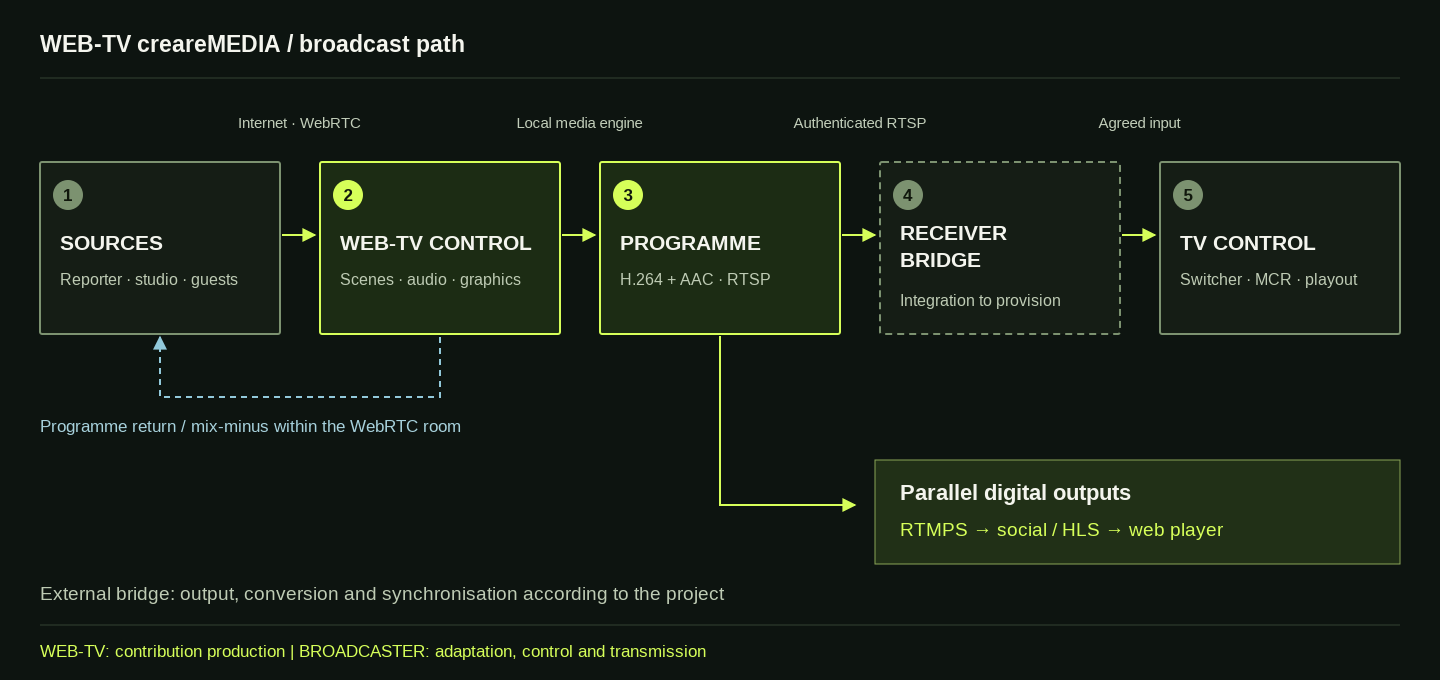
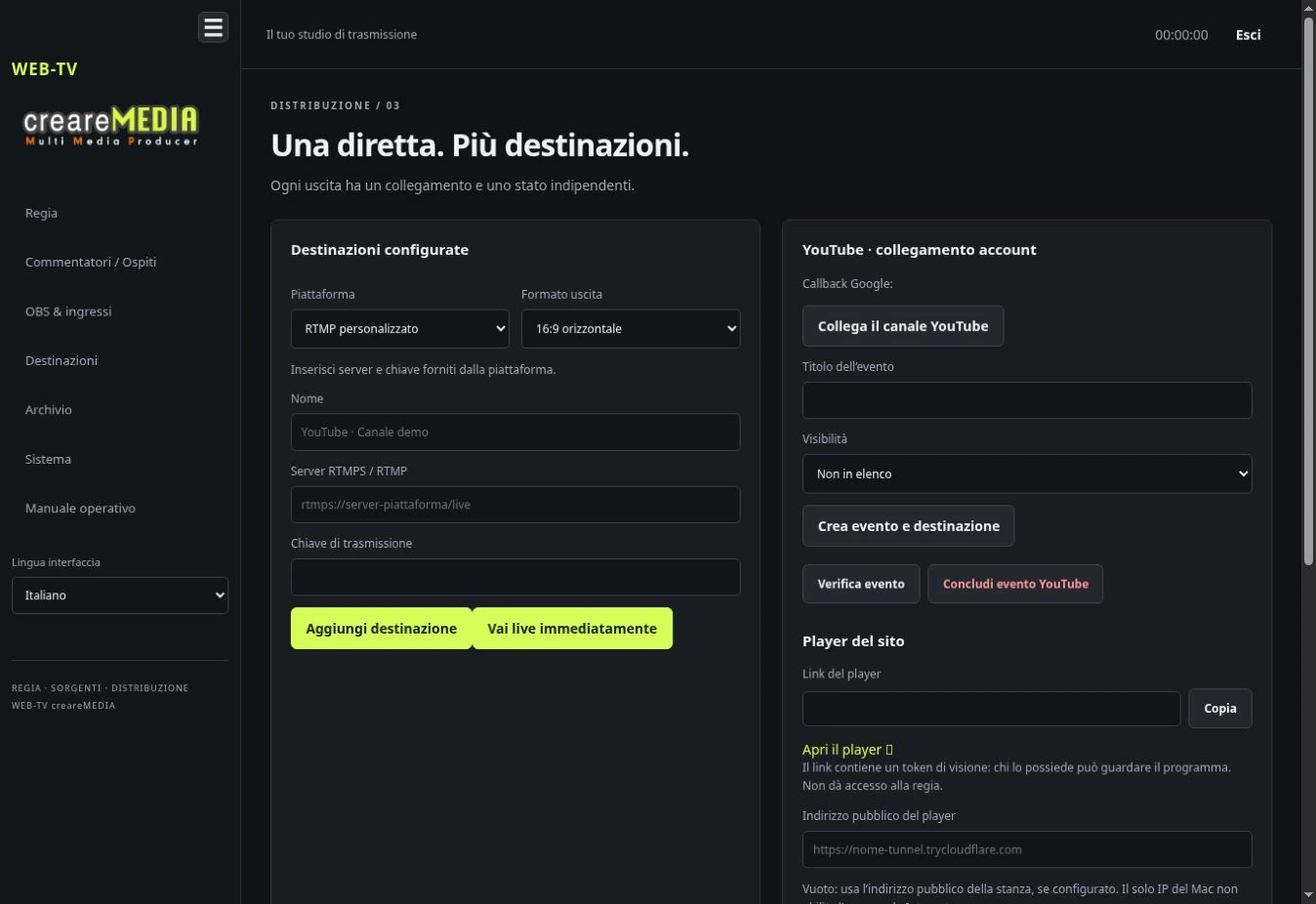
Invitations and pages use HTTPS. Participant audio/video uses WebRTC, with TURN relay when needed. The HTTPS tunnel is not a media relay.
The composed scene, graphics and mix form the programme. It is distinct from the browser’s administrative interface and from the director’s Preview.
The video engine’s /program feed is generated when distribution starts: H.264 and AAC over RTSP. Credentials and port depend on the installation, not on the guest invitation.
Default local media services listen on the same Mac. Use a receiver on that computer, or an engineer-configured private gateway, for TV delivery. A public HTTPS link does not automatically expose the RTSP feed.
Agree the input with engineering. These are configurations to provision and test, not automatic hardware outputs included in the app.
A compatible receiver reads the local Programme. A workstation such as OBS on the same Mac can send its fullscreen Programme projector to a dedicated HDMI display output. Exclude the operating interface from the picture and check the complete audio path.
WEB-TV → local receiver → dedicated HDMI output → TV switcher
Decode Programme on a compatible workstation or appliance. An output card with suitable drivers/software, or an HDMI–SDI converter, provides the switcher input. Use scaling and frame synchronisation where required. This hardware and configuration are external to WEB-TV.
WEB-TV → receiver → conversion and frame sync → SDI input
Engineering selects an authorised gateway and defines decoding, monitoring and delivery. Native NDI, SMPTE ST 2110, AES67, PTP/genlock and newsroom integration are not claimed: they need specific equipment and development. An RTSP endpoint is not an ST 2110 source.
WEB-TV → private gateway → required adaptation → TV infrastructure
| Layer | Responsibility |
|---|---|
| Inside WEB-TV | Guest browser feeds, composition, scenes, audio, graphics, Programme, digital outputs and local recording according to version/licence. |
| To provision | Receiver, HDMI/SDI output, format adaptation, synchronisation and station-specific handoff. |
| At the station | Switcher, MCR (master control), playout, transmission equipment, redundancy, monitoring and technical acceptance. |
Illustrative example: a studio presenter, a reporter outside town hall and two experts joining from their offices. This is not an actual customer case.
Assign roles and timing, open the room and send invitations. Engineering has checked the TV bridge and a backup source.
The reporter and experts select devices. Production checks pictures, sound and headphone returns, then admits the expected participants.
The reporter waits off air. Preview the scene, take it into Programme, and let TV control select the contribution when the presenter introduces it.
The presenter, reporter and guests join the chosen composition. Control levels, mute and graphics; rehearse event-audio ducking for the voices involved.
Digital outputs can run alongside TV delivery. Local recording can start during streaming and creates MKV segments; this is not automatic MAM or newsroom ingest.
TV control returns to the scheduled source. Close the room and check recorded files. If a remote link fails, the operator selects the studio or prepared backup.
Test the reporter’s device and the station’s actual input. A shorter field workflow still needs a controlled delivery.
Project profiles produce 720p/1080p at 30 fps. A station requiring 1080i50 or 1080p50 must provide conversion and synchronisation. Check aspect ratio, colour space and video levels too.
Check lip-sync, channel assignment, levels and loudness using station tools. EBU R 128 recommends a programme reference of −23 LUFS; automatic compliance or normalisation is not claimed.
Test the real connection and end-to-end delay. Provision HTTPS, TURN and bandwidth. Quick Tunnels are for testing, not a broadcast uptime guarantee.
Provide power, monitoring and an alternative studio source. Redundancy, safety recording, service levels and 24/7 operation belong to the station’s infrastructure project.
Participants use the room link in a compatible browser and allow camera/microphone. The app and network setup run at production. No Terminal or social stream keys are needed on the reporter’s phone.
The reporter can handle capture and connection alone. In this workflow the director controls admission and Programme; the station controls the linear broadcast. An independent reporter-operated production is a separate setup with its own production desk and licence.
Once the room is ready, open the invitation, authorise devices, check the signal and obtain admission. No fixed time or zero-latency promise: the network and TV chain affect the result.
Yes. The studio presenter and camera can interact with admitted participants. Manage the composition and mix in production, use headphones and check returns. Capacity depends on licence and resources.
The app does not create an SDI port or native broadcast hardware output. Provision suitable reception, output/conversion and synchronisation for the station’s chain.
Tell us about the programme, field reporters, remote guests, available switcher input and required format. We can plan a demonstration along your actual delivery path.
Let’s talkCall us