
Horizontal smartphone
Irene · Counter camera operator
Films disc, sleeve and details with a smartphone on a stable support.
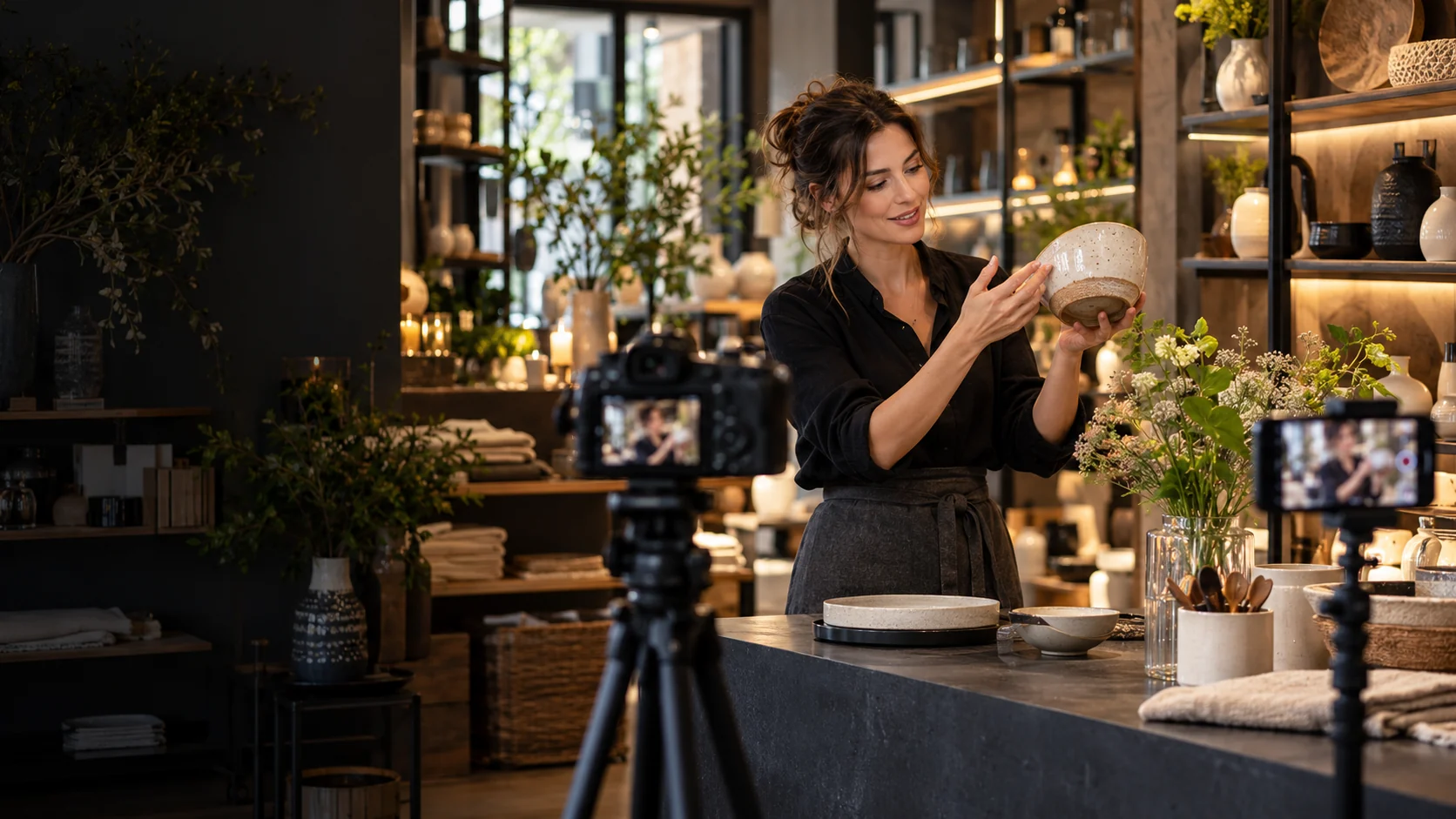
A demonstration in your shop can become an appointment followed remotely. WEB-TV creareMEDIA combines the product camera, its presenter and contributions from experts.
Matteo presents a record edition. Irene films the disc and sleeve by phone, Sofia joins as a collector and Enrico explains technical points by laptop. WEB-TV creareMEDIA coordinates the demonstration without pretending to be an online shop. Names, business and product are fictional, not a real offer.
Fictional participants and scenario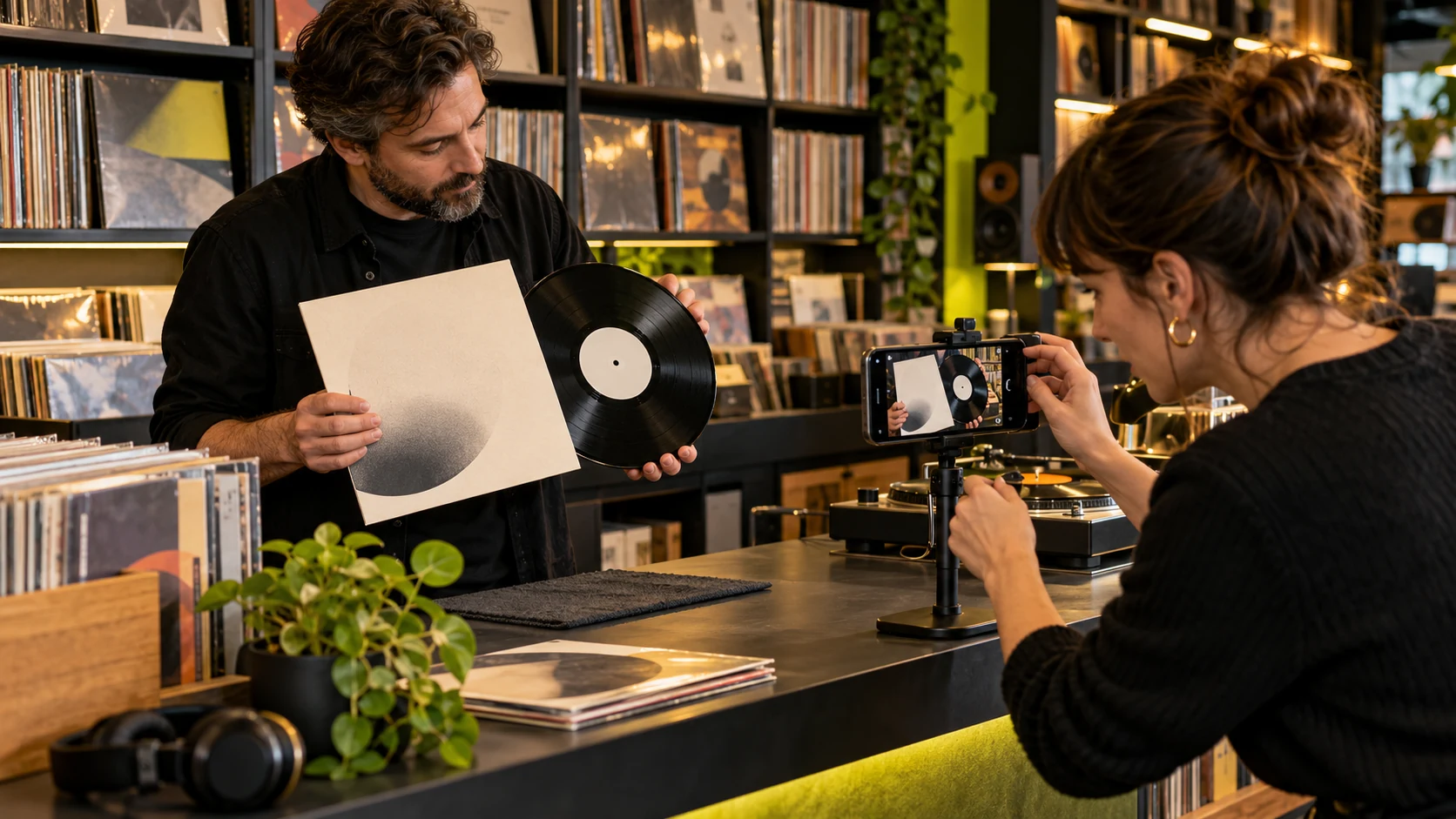
Irene · Counter camera operatorFilms disc, sleeve and details with a smartphone on a stable support.
Matteo · Owner and hostPresents from the counter webcam and directs attention to useful details.
Sofia · Guest collectorJoins on iPhone with headphones to ask questions as a user.
Enrico · Guest audio technicianExplains listening and preservation from his laptop without visiting the shop.
Disc and sleeve in close-up, people in tiles.
Films disc, sleeve and details with a smartphone on a stable support.
Presents from the counter webcam and directs attention to useful details.
Joins on iPhone with headphones to ask questions as a user.
Explains listening and preservation from his laptop without visiting the shop.
Production decides what enters the programme
↔ Audio and video return to guests+ Final programme recording, when enabled
The programme reaches configured destinations. Share agreed business contacts during the show. Availability, purchasing and payment belong on the shop’s website or contact channel: the hub does not manage cart, payments or stock.
Use WEB-TV creareMEDIA to show details, materials, uses and product differences. The main camera covers the demonstration while owners and specialists appear in tiles. A phone can film the counter as the central computer handles composition and distribution. Lighting, stable framing and clear voices all contribute to the result.
Invite a maker, technician or representative to explain the product remotely. Participants enter through a link and production controls admission. Suitable formats include launches, usage advice, producer interviews and in-depth demonstrations. Questions on social channels need an operator following the platforms: unified chat is not included.
Distribute to enabled destinations and use the configured website player. Titles and the ticker carry information prepared in production. The software does not include a shopping cart, payments, stock synchronisation or sales attribution. Purchases take place through the shop’s separate commercial channels, which need their own setup and management.
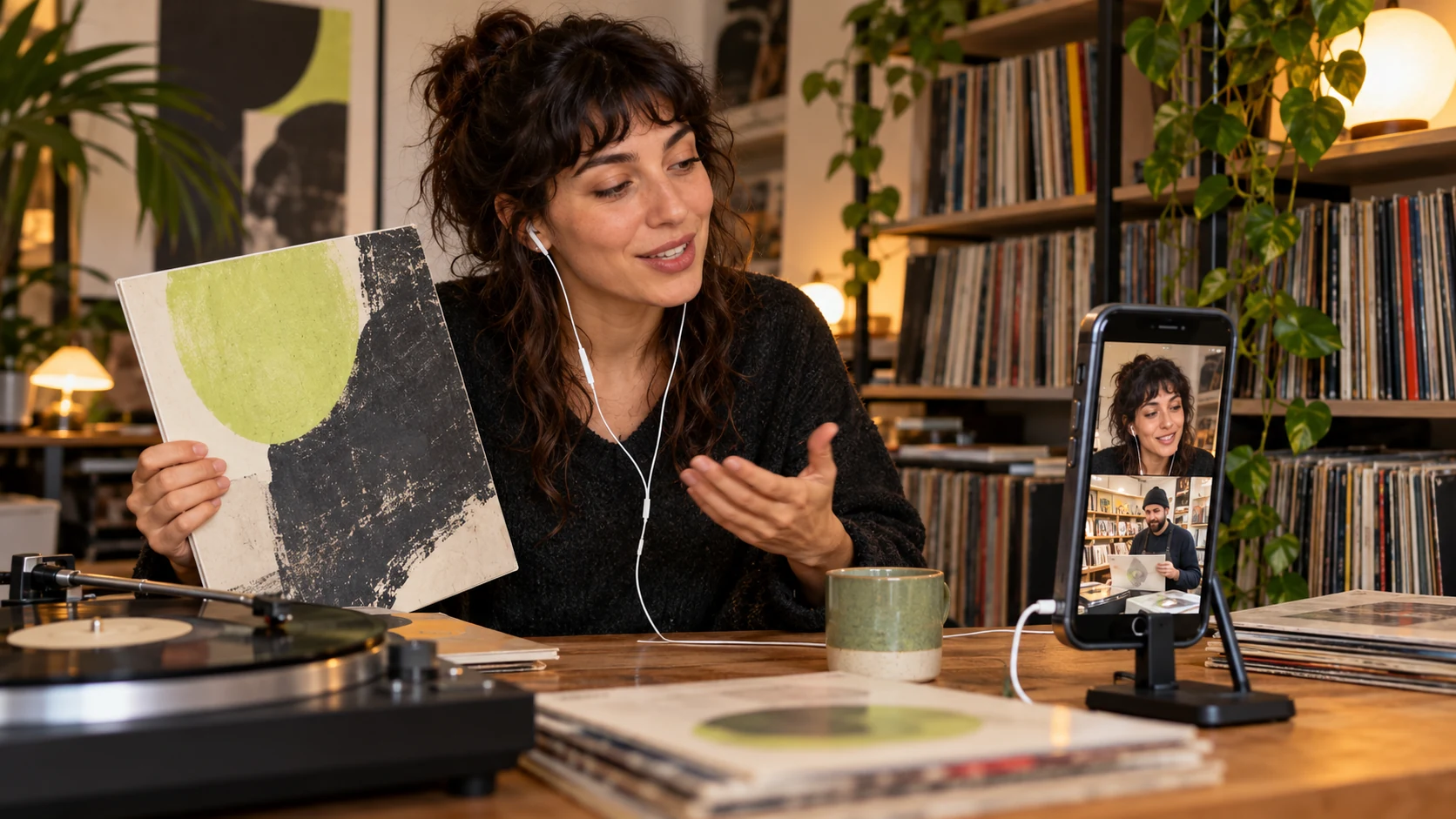
Joins on iPhone with headphones to ask questions as a user.
Matteo prepares product information and details to show. Irene tests distance, reflections and camera stability. Titles contain information verified by the shop; the software does not automatically read a catalogue or product code.
The counter camera becomes primary. Matteo hosts, Sofia asks a practical question and Enrico answers. Production keeps roles clear and can reduce event audio during commentary, without assuming every musical sample is authorised for broadcast.
The programme reaches configured destinations. Share agreed business contacts during the show. Availability, purchasing and payment belong on the shop’s website or contact channel: the hub does not manage cart, payments or stock.
Disc and sleeve in close-up, people in tiles.
Verify information, phone support, light and voices.
Irene shows, Matteo hosts, Sofia asks and Enrico explains.
Clear business references without simulating checkout in production.
Show a detail and explain it calmly rather than changing products too quickly. A lower third can identify the edition while discussion stays on features the audience can actually see.
WEB-TV creareMEDIA produces the live story. Prices, conditions, sample rights and availability belong to the shop and its sales tools. We do not promise automatic sales attribution.
The current browser production is HD 720p. Test remote connections and the planned number of guests in the actual installation.
No. Purchases use the shop’s e-commerce site or contacts. The hub does not handle orders, payments or available quantities.
Only after checking relevant rights and conditions. Owning or selling a record does not automatically give permission to broadcast its music.