Communication Agencies
WEB-TV FOR COMMUNICATION AGENCIES

Direct the ideas
behind your
client’s brand.

Turn a presentation, interview or corporate event into a live programme consistent with the brand. WEB-TV creareMEDIA provides a customisable foundation for dedicated formats.

Browser productionRemote guestsYouTube + Facebook
Illustrative image
WEB-TV creareMEDIABranded formats · interviews · launchesPRODUCTION · GUESTS · MULTISTREAM
SIMULATION / DESIGN TRADE FAIR

From the client’s stand to a digital audience.

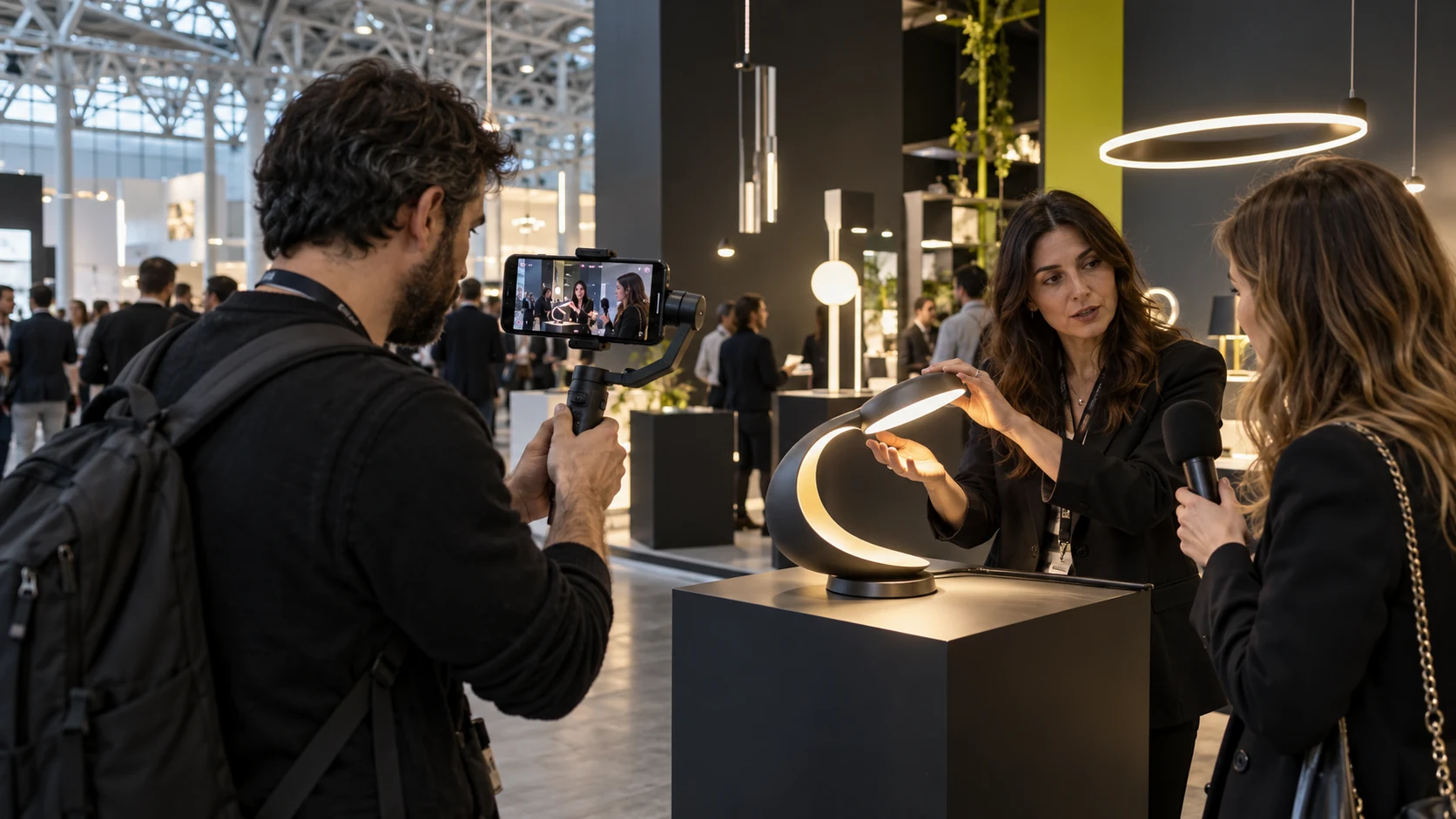
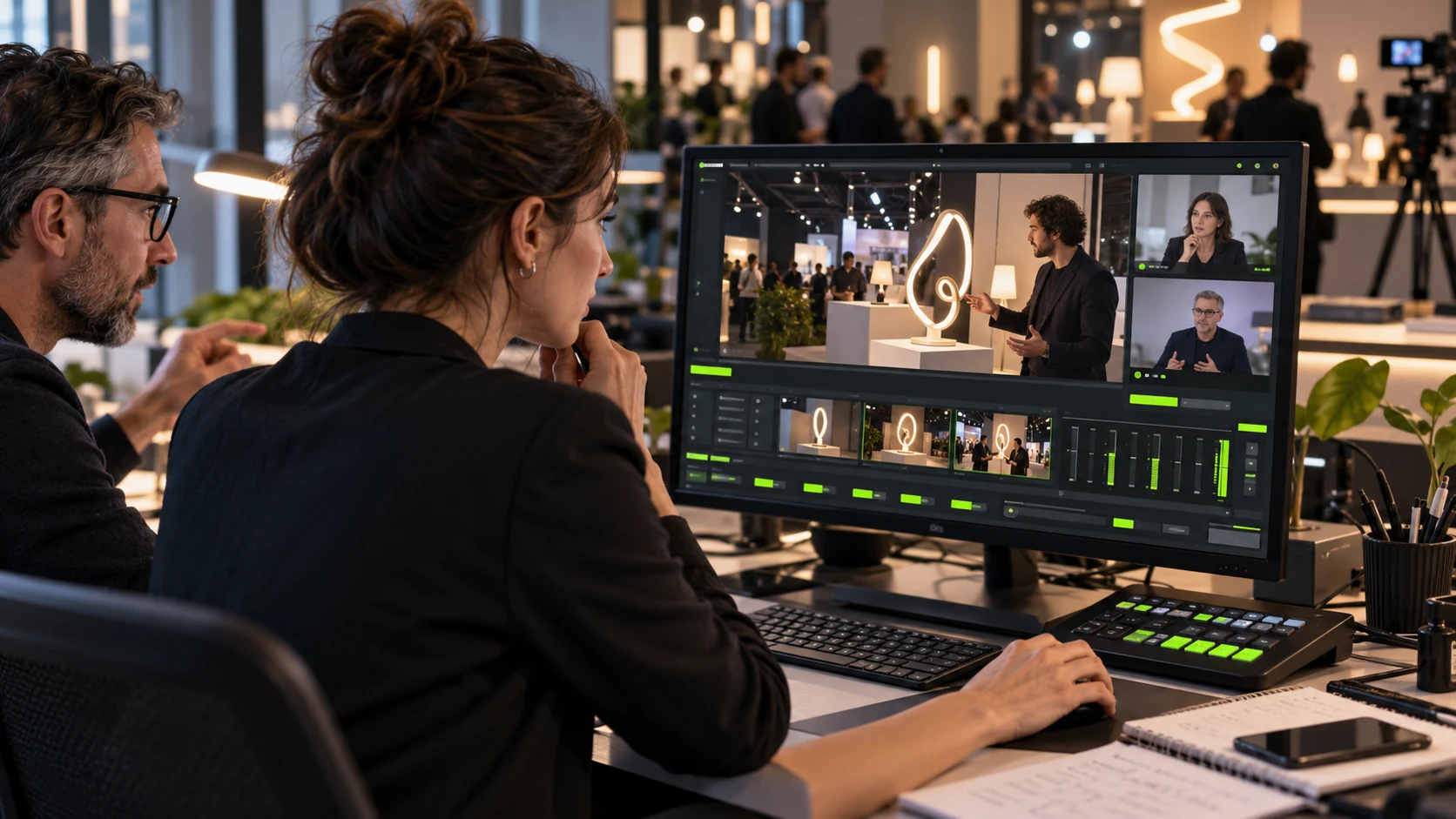
An agency broadcasts a new lamp from a design fair. Giulia directs from the office, Marco works at the stand, Elena demonstrates the product and Davide joins from his studio. WEB-TV creareMEDIA combines these places in a client-branded programme. This fictional project is not a real customer reference.

Fictional participants and scenario
From the client’s stand to a digital audience.
Fictional participants and scenario
01 / WEB-TV creareMEDIA

Decisions before, during and after the live

01

Turn the brief into a production plan

The agency defines the problem solved, how the lamp works and its audience. It prepares scenes, titles and speaking order. The software saves compositions; strategy, script and client approval remain agency work.

02

The stand supplies detail, guests supply meaning

Marco frames controls and light output. Elena guides the demonstration, Davide adds a design perspective. Giulia keeps the product prominent and places faces where useful. Viewers need a close-up at the right moment, not a permanent wide shot of the fair.

03

Deliver what was actually broadcast

Enabled client channels and the configured player receive the programme. Recording preserves the final master with live cuts and graphics. Campaign edits, clips and platform reports require additional external work.

02 / WEB-TV creareMEDIA

People, signals and destinations

Product close-up with Elena and Davide as the project’s voices.

Event cameraFrom the client’s stand to a digital audience.
Android smartphone

Marco · Stand camera operator

Films the lamp and demonstration on Android and supplies the event camera.

↓ Main programme source
Host and guests
Computer webcam

Elena · Client product manager

Presents materials and uses from a webcam station as the brand’s voice.

Laptop + webcam

Davide · Guest architect

Discusses the relationship between product, space and lighting from his laptop.

Production hubWEB-TV
creareMEDIA
Giulia · agency production

Production decides what enters the programme

↔ Audio and video return to guests
▶YouTube / client channel
fFacebook / brand page
◎Client website / product page

+ Final programme recording, when enabled

Arrows show contributions reaching production and the programme reaching viewers. Guests receive an audio/video return; production coordinates admission, sources and composition. Every connection and output needs setup and testing.
Giulia · Agency director
Fictional participants and scenario
Scenario roles

Giulia / Agency director

Admits participants, chooses sources and checks the public programme.

Production computer
03 / WEB-TV creareMEDIA

From creative proposal to live production.

Add live production to your service offering

Use WEB-TV creareMEDIA for expert conversations, service launches, client series and event coverage. Set a running order, prepare scenes and visuals and give each participant a clear role: host, guest or event camera. Browser production suits presenters who do not use OBS, while the external input accommodates operators who already work with it.

A visual identity that supports the message

Add a logo, titles, speaker names and ticker to make it immediately clear who is speaking and what the topic is. Saved scenes help repeat a format without rebuilding its composition. Software customisation can be scoped for a project; the current installation is not a multi-client portal with separate approval workflows and commissions.

Distributed participants, central coordination

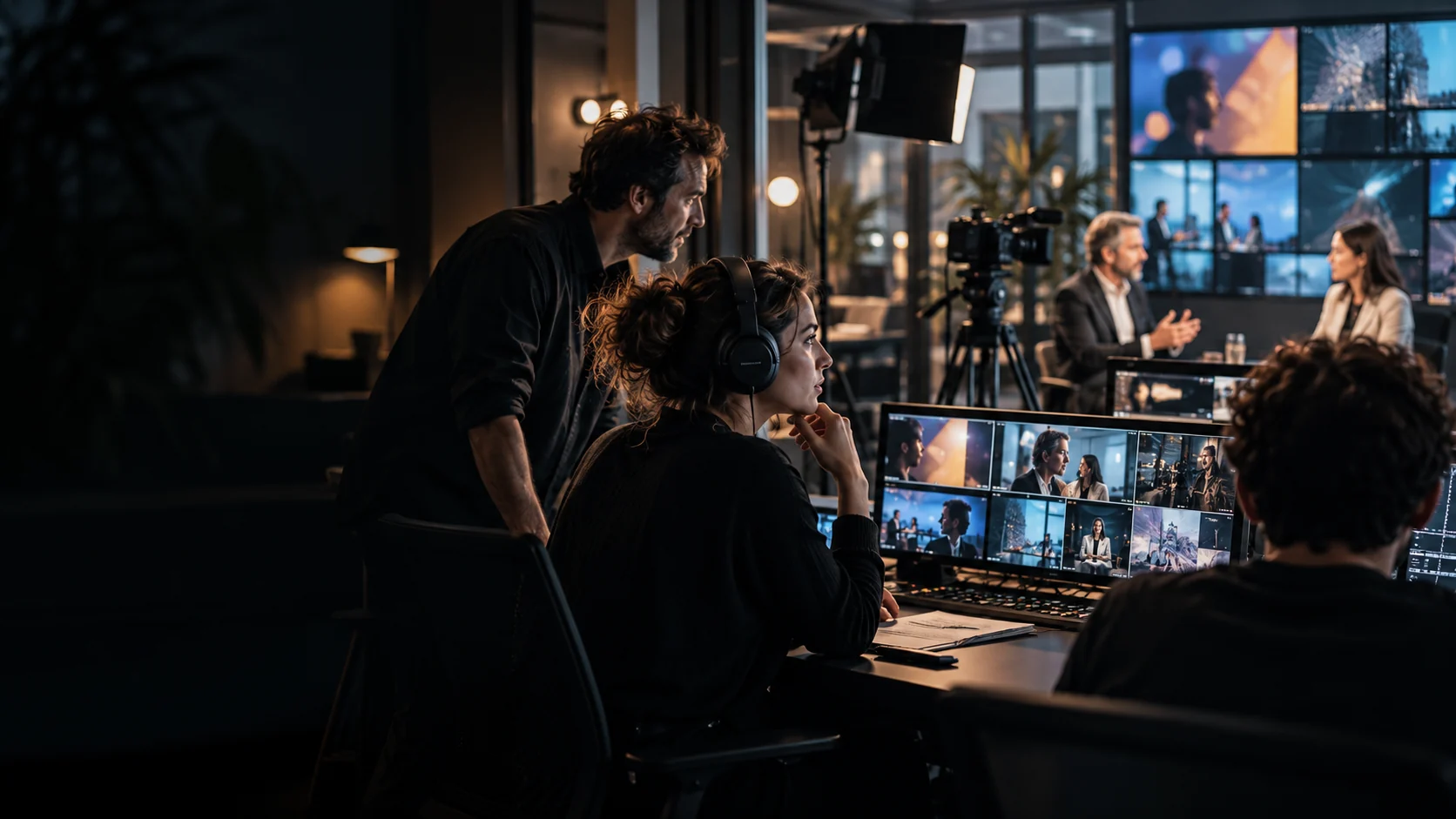
A client can join from their office and a specialist from another location. The director controls the public programme on one computer. The main event stays visible while commentators discuss it; distribution reaches configured channels. Before the session, verify account permissions, rights to use materials, audio quality and every participant’s connection.

04 / WEB-TV creareMEDIA

Audience and destinations

Product close-up with Elena and Davide as the project’s voices.

YouTubeVisual simulation, not an active player
From the client’s stand to a digital audience.
ElenaDavide
WEB-TV creareMEDIA

YouTube / client channel

FacebookVisual simulation, not an active player
From the client’s stand to a digital audience.
ElenaDavide
WEB-TV creareMEDIA

Facebook / brand page

Website playerVisual simulation, not an active player
From the client’s stand to a digital audience.
ElenaDavide
WEB-TV creareMEDIA

Client website / product page

05 / WEB-TV creareMEDIA

The episode’s path

  1. Before

    Test at the stand

    Marco tests actual venue conditions; Giulia checks returns with Elena and Davide.

  2. During

    Commented demonstration

    Alternate introduction, product close-up and discussion of its uses.

  3. After

    Master and materials

    Keep the recorded programme and hand it to external editing if commissioned.

06 / WEB-TV creareMEDIA

What changes in everyday work

Prepare graphics as part of the assignment

Collect the approved logo, product name, speaker titles and contact information before the session. Lower thirds and ticker should be agreed and legible; a logo alone does not create a coherent story.

Separate production from channel authorisation

The client supplies account access or stream credentials for the chosen route. Production validates outputs without showing keys publicly. One active output does not prove every destination is receiving.

The current browser production is HD 720p. Test remote connections and the planned number of guests in the actual installation.

WEB-TV creareMEDIA

Questions about this scenario

Can the setup serve different clients?

Yes, with correct scenes, assets and destinations for each production. The current installation does not automatically isolate clients in separate workspaces.

Can a client join without OBS?

Guests can join from compatible devices by invitation. Browser production versus OBS is the producer’s choice, not a requirement for every guest.

WEB-TV creareMEDIA

Give your next project its own production studio.

Tell us what you want to broadcast, where guests will join from and where you want to reach your audience. We’ll plan the demonstration together.

Email usCall us