Home
YOUR LIVE PRODUCTION HUB

One event.
More voices.
Your own Web TV.

WEB-TV creareMEDIA brings cameras, remote guests, production and distribution into one workflow. Shape a recognisable programme and deliver it to your social channels and website.

Browser productionRemote guestsYouTube + Facebook
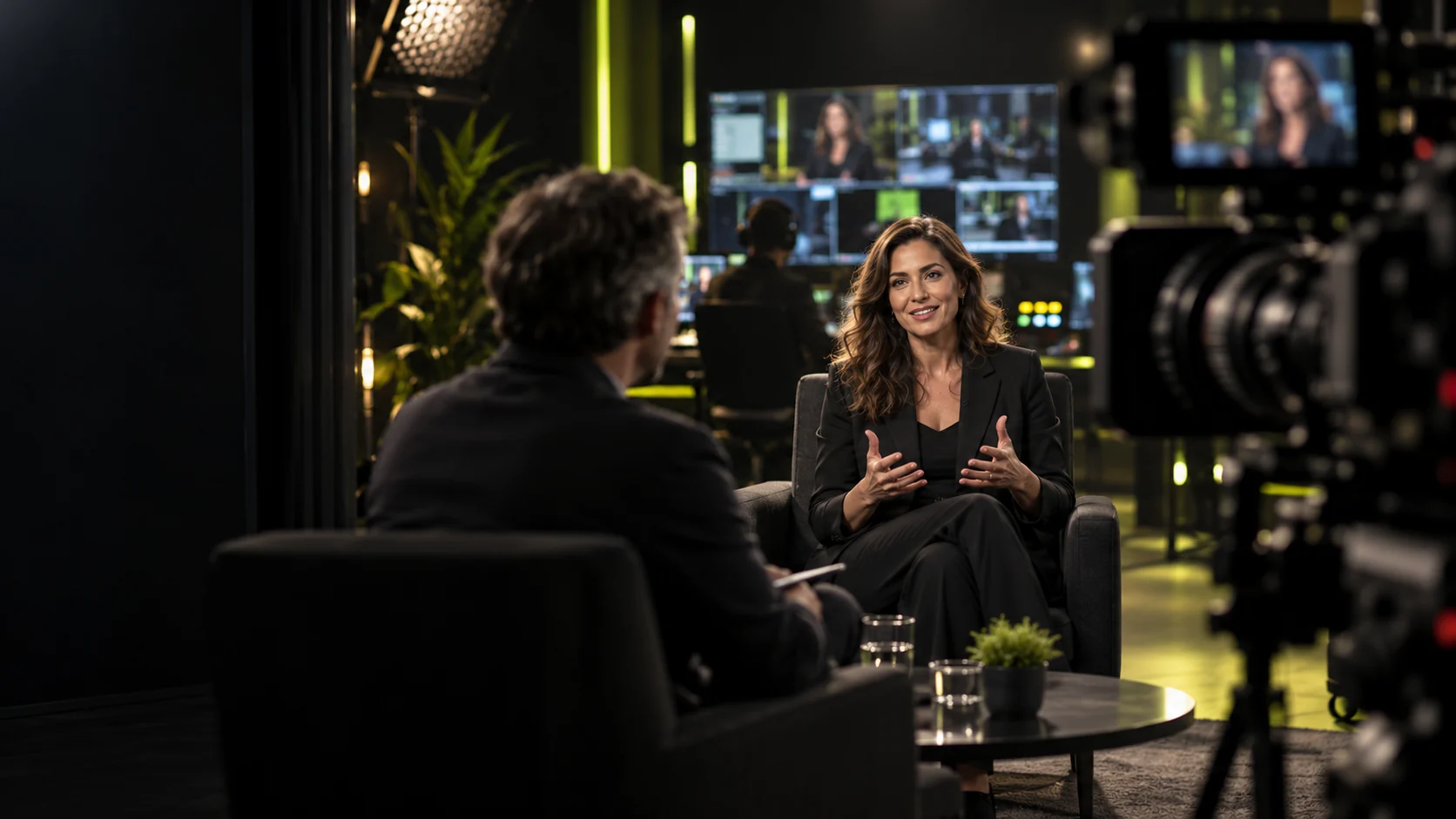
Illustrative image
WEB-TV creareMEDIAPresent · connect · distributePRODUCTION · GUESTS · MULTISTREAM
SIMULATION / CITY FESTIVAL

One square, one stage, four perspectives.

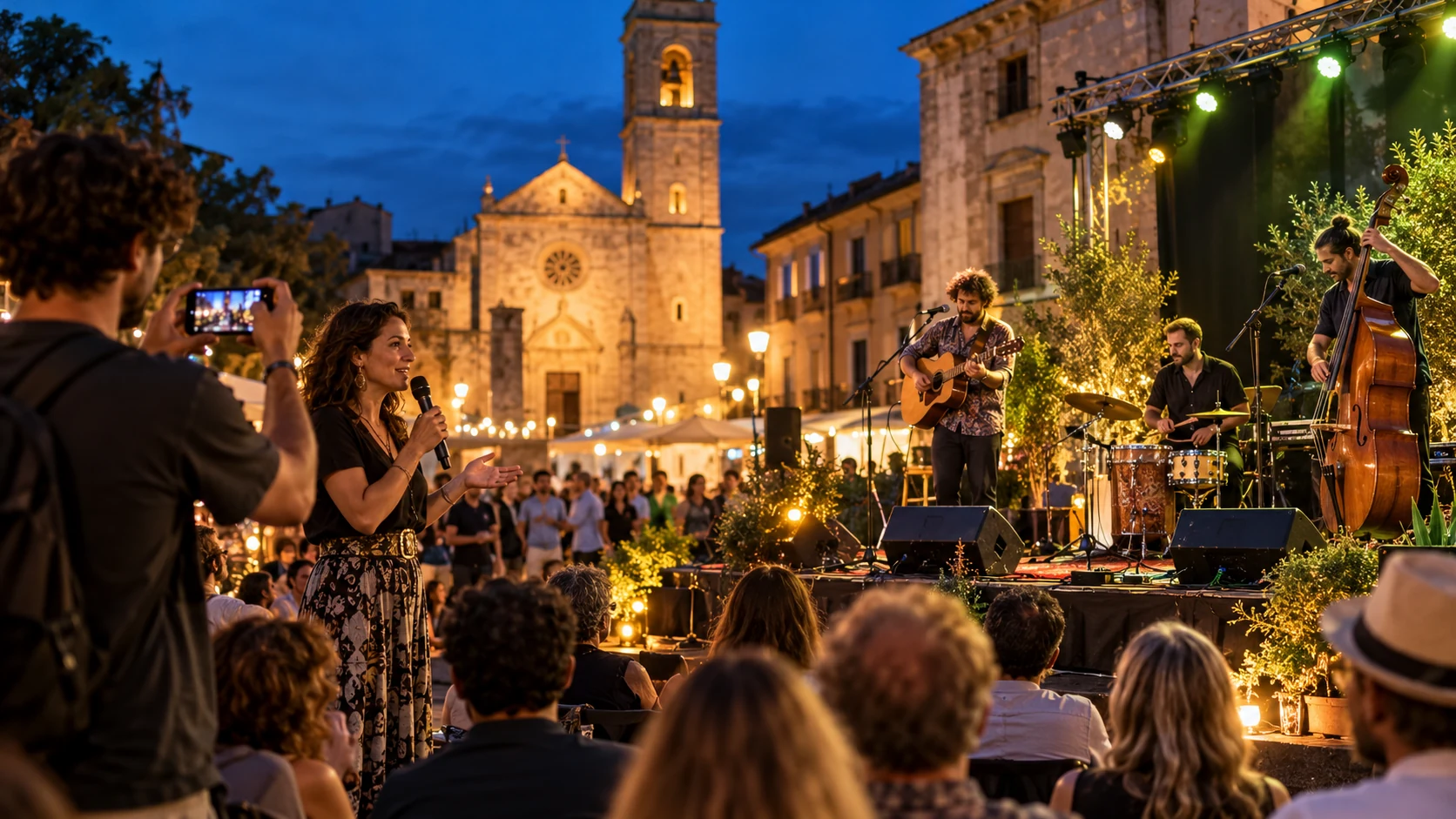
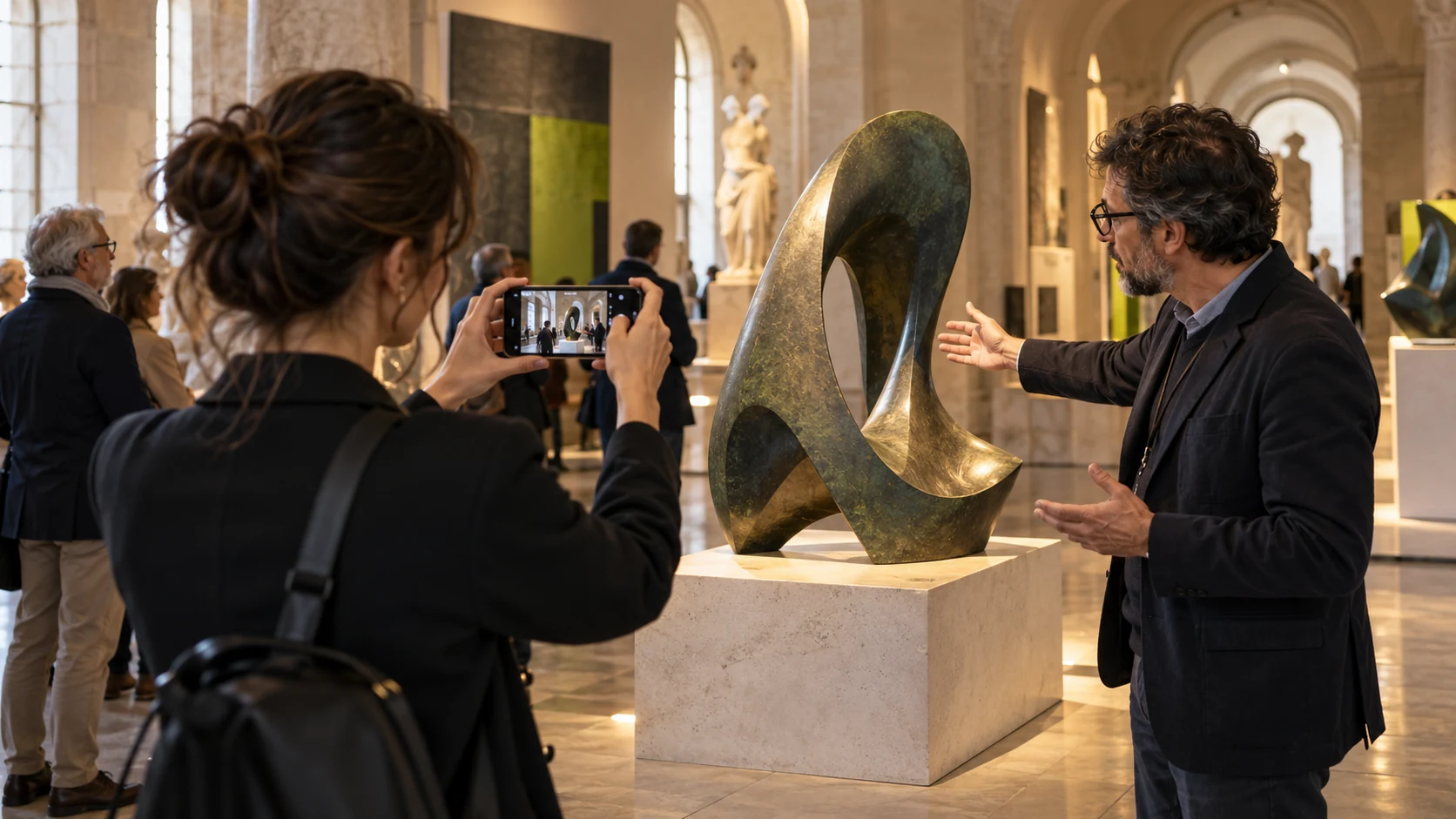
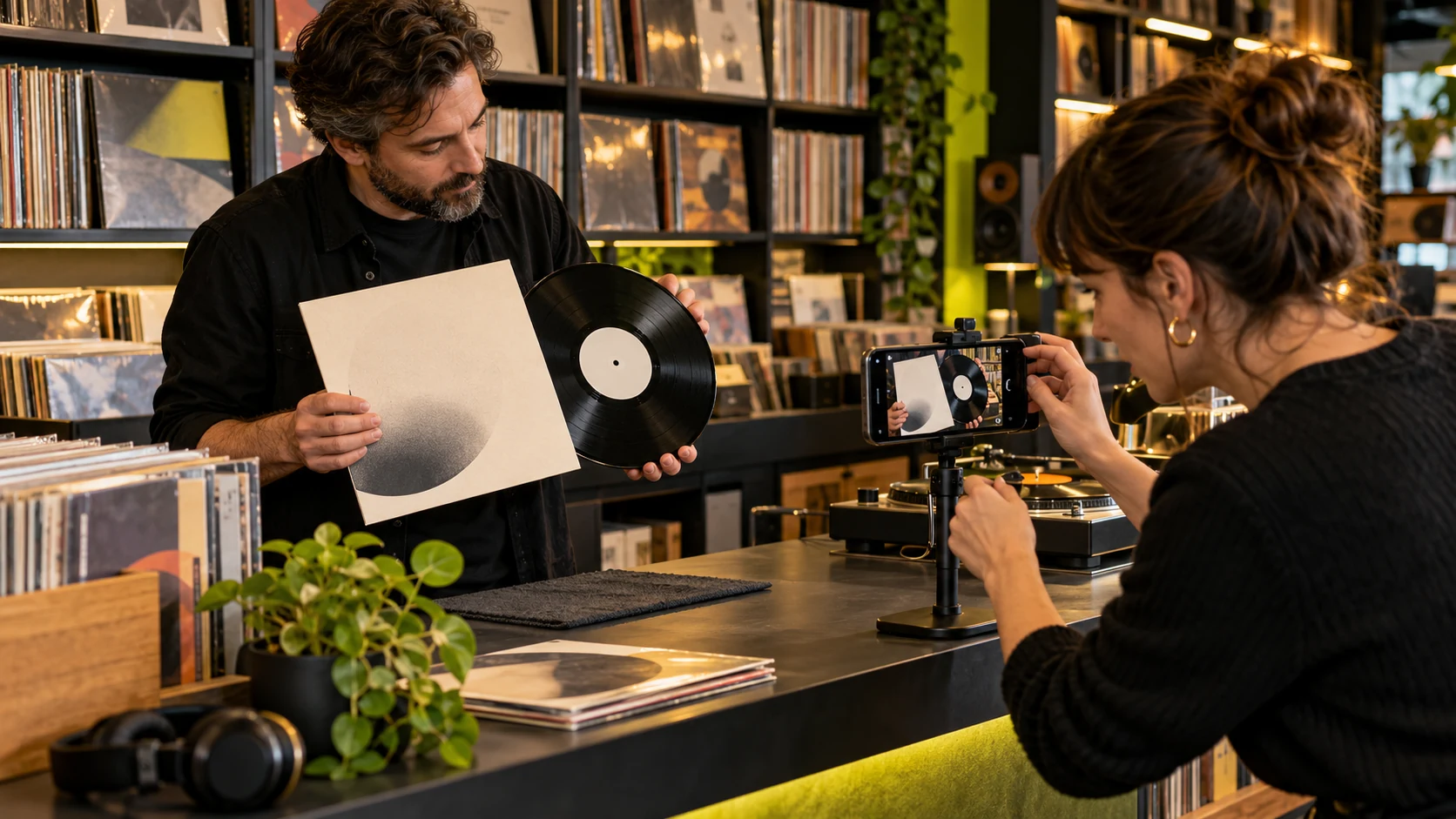
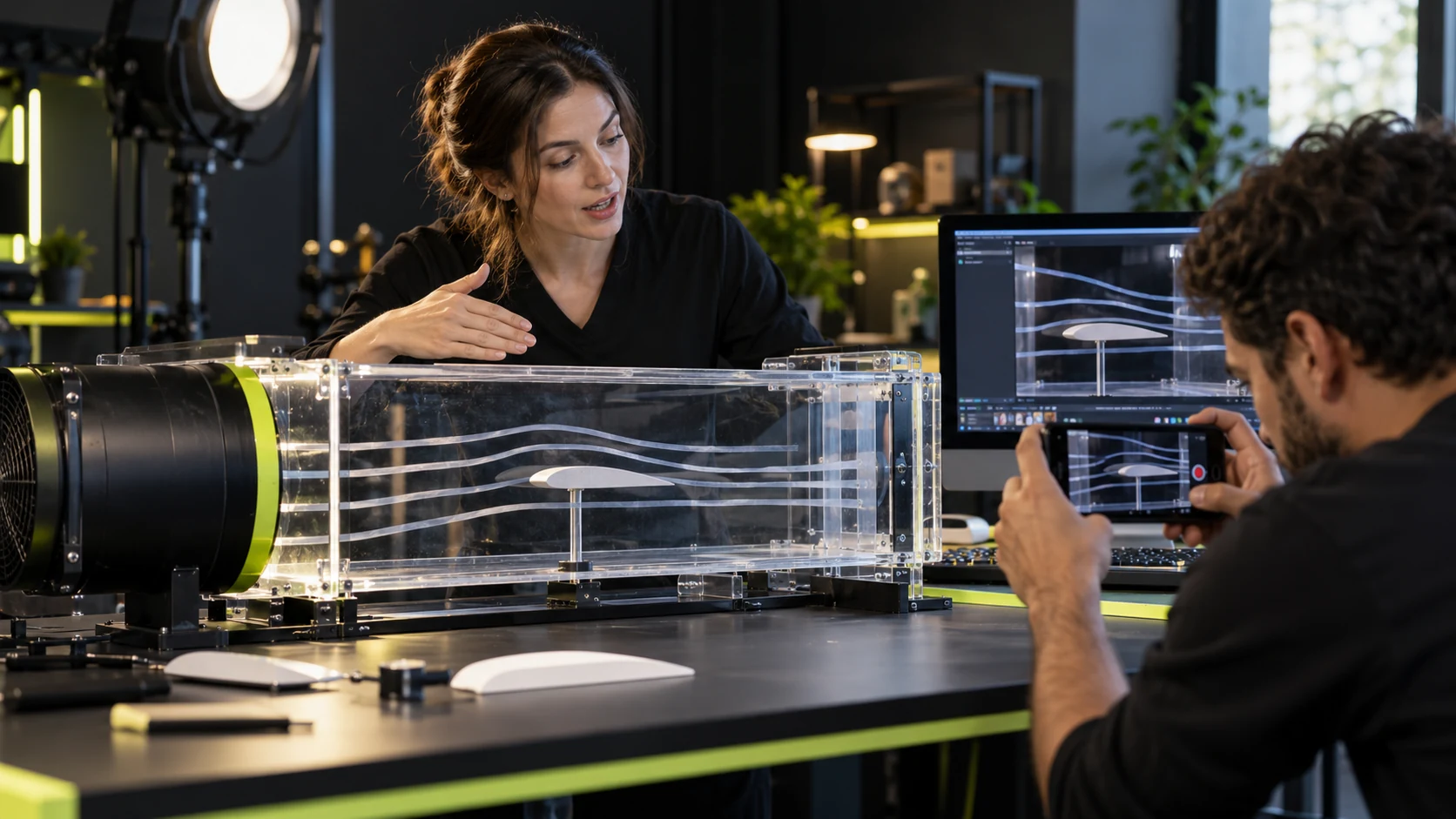
Imagine a festival of original music, conversations and demonstrations. Giulia runs WEB-TV creareMEDIA: she receives the stage camera, prepares the programme and decides when guests contribute. Viewers watch a coordinated story rather than an undirected group call. People, names and places in this example are fictional.

Fictional participants and scenario
One square, one stage, four perspectives.
Fictional participants and scenario
01 / WEB-TV creareMEDIA

Distance becomes part of the story.

From one webcam to a show with guests

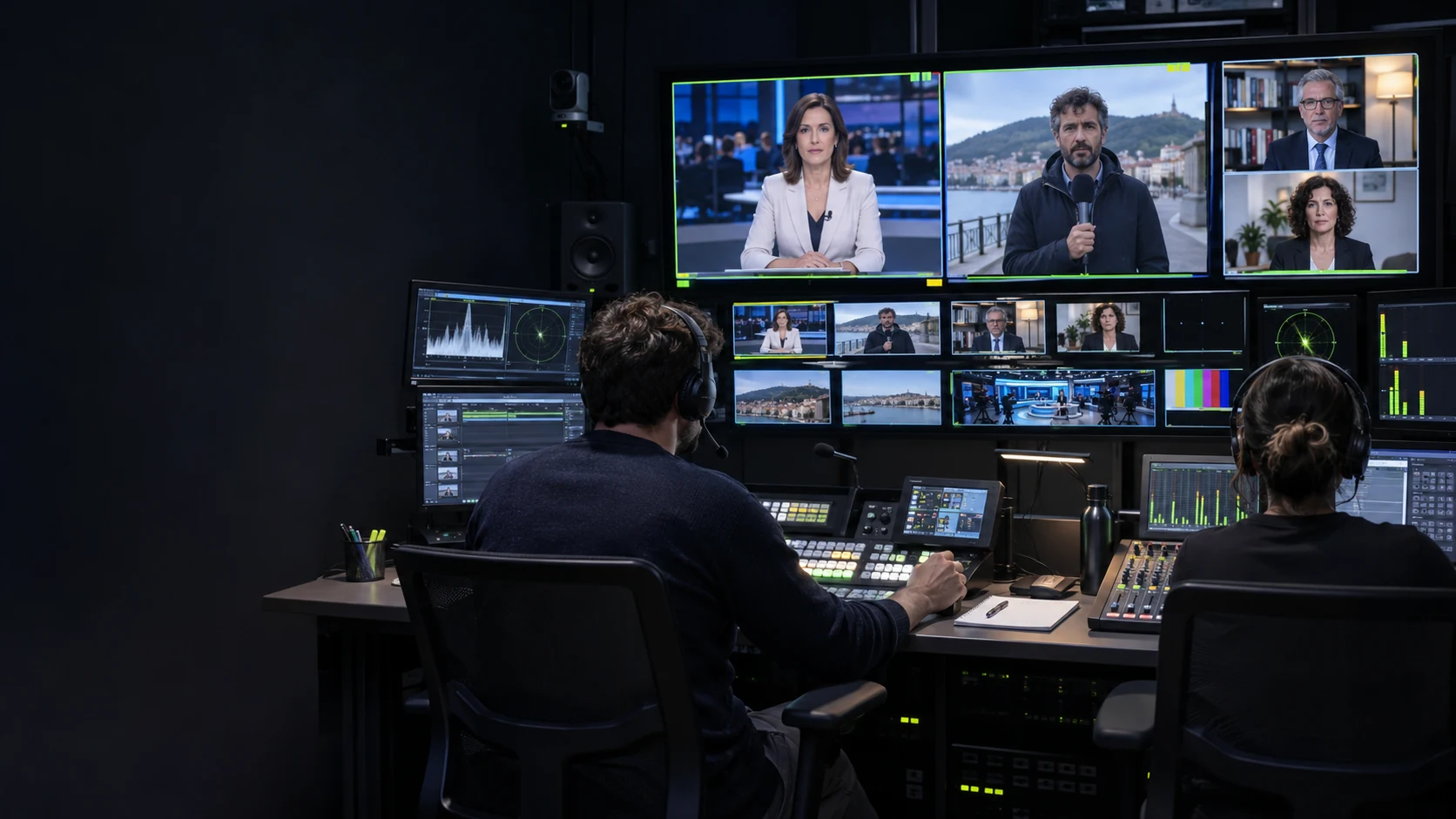
Start with a computer webcam and build a broadcast with a main camera and commentators joining from elsewhere. WEB-TV creareMEDIA separates sources, programme composition and distribution: decide what to show, how to present it and where to send it. Production is where images, voices and visual identity become one piece of content.

Your format, with a recognisable production style

Saved scenes, titles, lower thirds, logo and ticker help maintain consistency across episodes. Two-source interviews, picture in picture, opening slides and an event with commentators serve different storytelling needs. The host can present, guests can contribute and the event can remain the focus: the layout follows the role of people and images.

One programme, several destinations

Send the programme from the hub to enabled outputs with independent destination connections. Simultaneous YouTube and Facebook broadcasting has been verified; a configured website player provides another viewing point. Enable recording to keep the final programme, while remembering that this archive is not a separate-camera editing system.

02 / WEB-TV creareMEDIA

People, signals and destinations

The stage stays central; voices join the composition.

Event cameraOne square, one stage, four perspectives.
Horizontal smartphone

Marco · Field camera operator

Films the stage with a horizontal smartphone as the event source, without taking a commentator slot.

↓ Main programme source
Host and guests
Computer webcam

Chiara · Host

Introduces performers through her webcam; her tile accompanies Marco’s stage camera.

iPhone + headphones

Leo · Music commentator

Joins by phone with headphones to comment and hear the return feed.

Laptop + webcam

Lucia · Cultural guest

Joins by laptop to discuss the festival’s wider cultural themes.

Production hubWEB-TV
creareMEDIA
Giulia · hub director

Production decides what enters the programme

↔ Audio and video return to guests
▶YouTube / festival
fFacebook / organiser
◎Website / festival page

+ Final programme recording, when enabled

Arrows show contributions reaching production and the programme reaching viewers. Guests receive an audio/video return; production coordinates admission, sources and composition. Every connection and output needs setup and testing.
03 / WEB-TV creareMEDIA

Who does what, using which device

Horizontal smartphone

Marco · Field camera operator

Films the stage with a horizontal smartphone as the event source, without taking a commentator slot.

Computer webcam

Chiara · Host

Introduces performers through her webcam; her tile accompanies Marco’s stage camera.

iPhone + headphones

Leo · Music commentator

Joins by phone with headphones to comment and hear the return feed.

Laptop + webcam

Lucia · Cultural guest

Joins by laptop to discuss the festival’s wider cultural themes.

04 / WEB-TV creareMEDIA

Audience and destinations

The stage stays central; voices join the composition.

YouTubeVisual simulation, not an active player
One square, one stage, four perspectives.
ChiaraLeoLucia
WEB-TV creareMEDIA

YouTube / festival

FacebookVisual simulation, not an active player
One square, one stage, four perspectives.
ChiaraLeoLucia
WEB-TV creareMEDIA

Facebook / organiser

Website playerVisual simulation, not an active player
One square, one stage, four perspectives.
ChiaraLeoLucia
WEB-TV creareMEDIA

Website / festival page

06 / WEB-TV creareMEDIA

Decisions before, during and after the live

01

Prepare people before pictures

Giulia gathers titles and names, prepares an opening scene and checks invitations, permissions and audio. Marco tests connectivity at the venue; Chiara, Leo and Lucia test their headphone returns. This separates camera problems from distribution problems.

02

Build a readable programme

The stage becomes the main picture. Chiara and the guests appear in tiles when they support the story; event audio can drop during commentary. Giulia checks the programme and prepared visual information before sending it to the destinations.

03

Reach viewers and preserve the programme

Configured outputs send the programme to YouTube and Facebook. The website player needs a reachable public address. When recording is enabled, the final master remains in the archive. Later editing and clip publishing are separate tasks.

07 / WEB-TV creareMEDIA

What changes in everyday work

A guest is not automatically the event camera

Similar devices can serve different roles: supplying a main picture or joining as a speaking participant. Production assigns the role and selects the scene. Simply connecting a smartphone does not make it the main source.

Social channels and a website follow different viewing paths

YouTube and Facebook receive outgoing streams. The website player must reach the hub through its public configuration. Publishing this presentation website neither opens the production panel nor starts a broadcast.

The current browser production is HD 720p. Test remote connections and the planned number of guests in the actual installation.

WEB-TV creareMEDIA

Questions about this scenario

Must production be at the festival?

Not necessarily. The camera can be remote while the hub runs elsewhere. Network connectivity must be tested before the event.

Are all cameras interchangeable?

No. Webcams, phones and professional cameras have different capture paths. Test each actual source, including audio and connectivity.

WEB-TV creareMEDIA

Give your next project its own production studio.

Tell us what you want to broadcast, where guests will join from and where you want to reach your audience. We’ll plan the demonstration together.

Email usCall us