The artwork in its setting
Wide view and Paolo’s introduction, with prepared artwork and artist information.
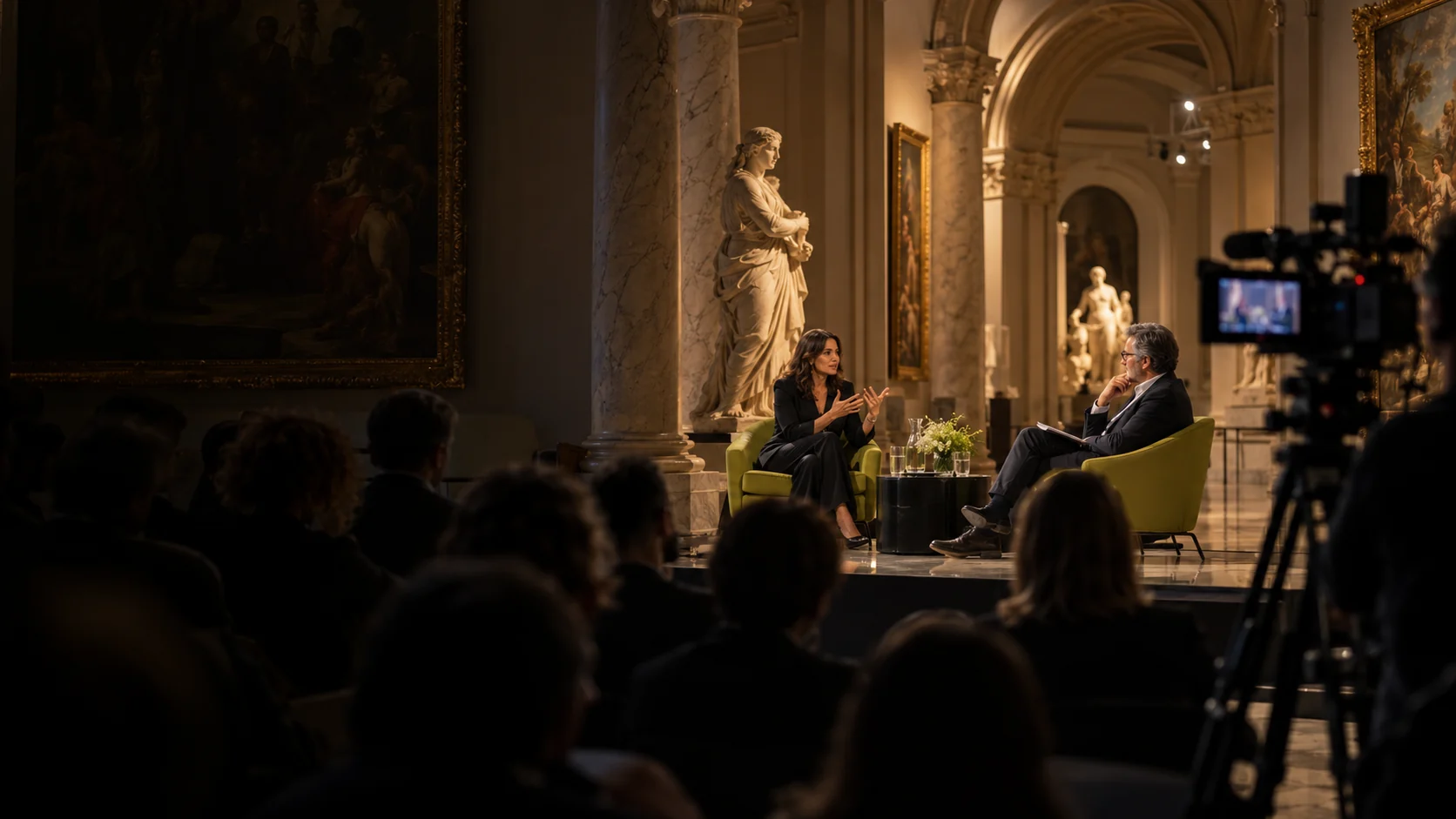
Take exhibitions, meetings and conversations beyond their venue. WEB-TV creareMEDIA connects the event with curators, authors and remote guests through a recognisable production style.
A fictional exhibition connects sculpture and urban space. Marta films by phone, Paolo hosts at the museum, Lucia joins from her study and Andrea comments as an artist. WEB-TV creareMEDIA keeps the artwork central and gives interpretations a face. People and exhibition are examples, not customer references.
Fictional participants and scenario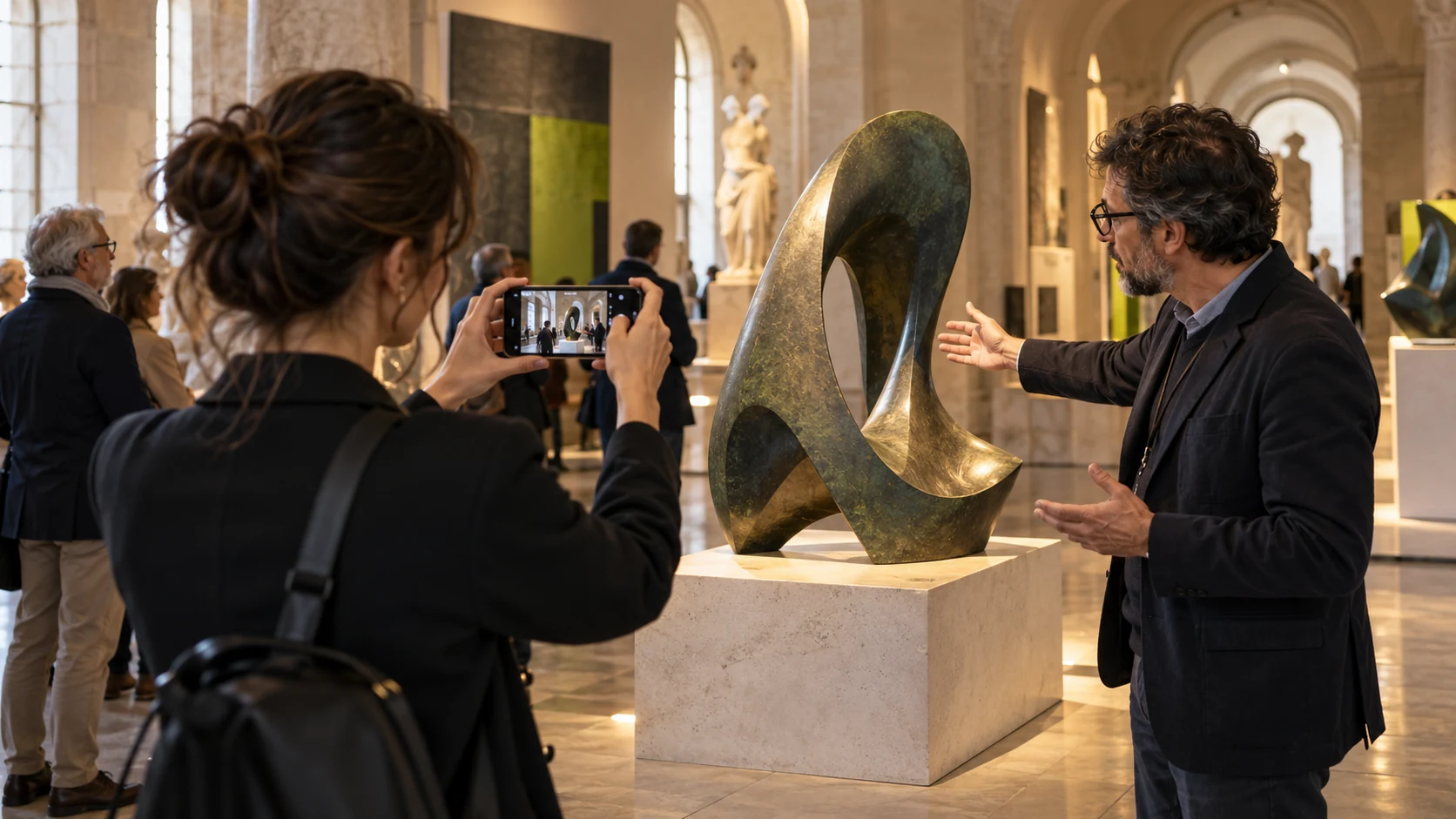
Wide view and Paolo’s introduction, with prepared artwork and artist information.
Marta holds the material close-up; Lucia and Andrea explain choices and interpretations.
Summary, further information and goodbyes to audiences on each destination.
The artwork fills the main picture; interpretations have a face.
Films authorised artworks and details with a horizontal smartphone.
Production decides what enters the programme
↔ Audio and video return to guests+ Final programme recording, when enabled
Guides the tour from a stable station and introduces room changes.
Joins by laptop webcam to explain the artworks’ context.
Discusses material, concept and exhibition space from his phone.
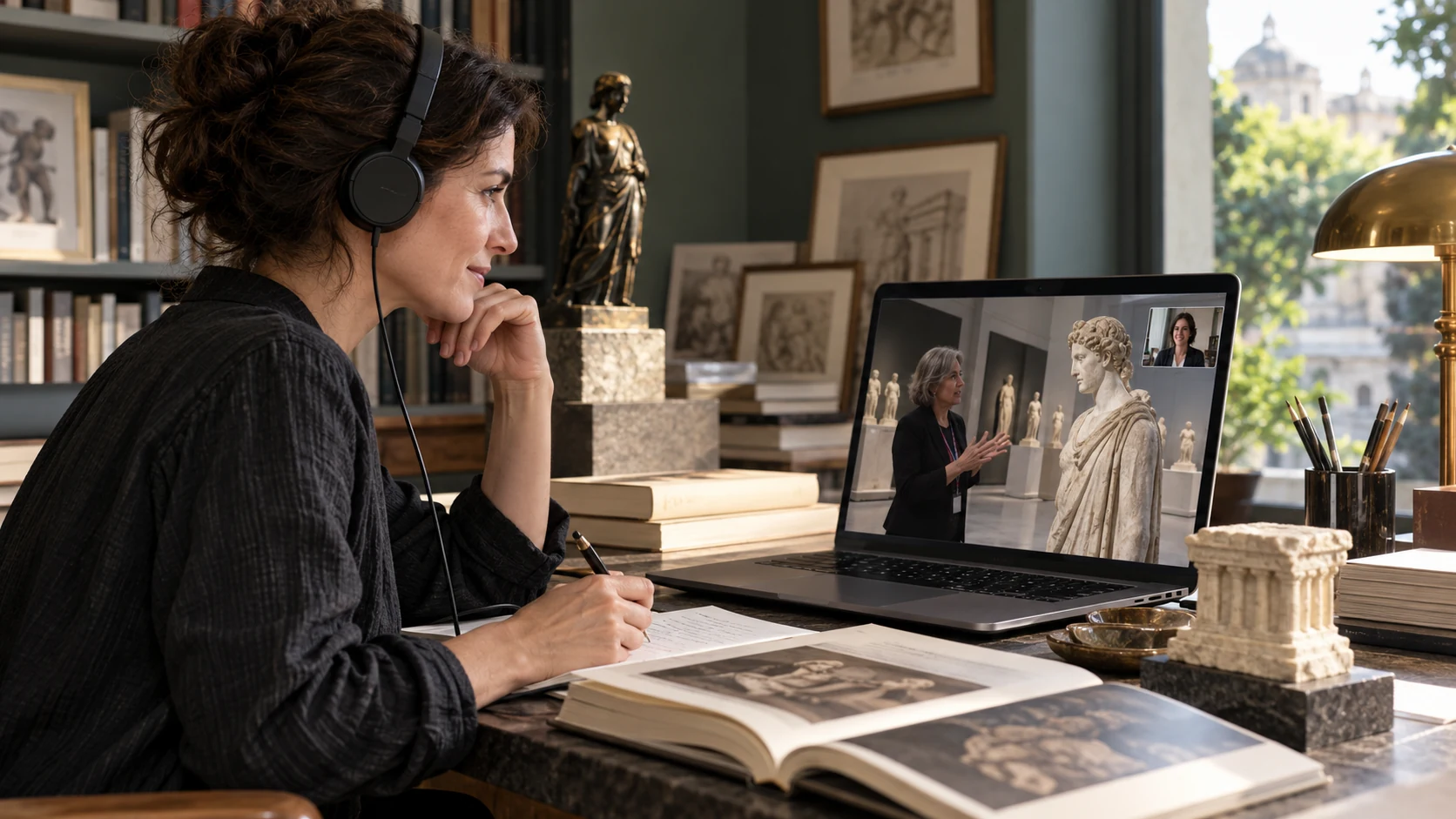
Joins by laptop webcam to explain the artworks’ context.
Museums, libraries, foundations and associations can use WEB-TV creareMEDIA for presentations, guided discussions and author conversations. A camera covers the event while production coordinates contributions and distributes the programme. Remote audiences watch on the platform or publicly configured website player without accessing the production panel.
An exhibition camera can become the main source, with curators and experts in commentator tiles. A smartphone lets an operator move around the venue within connection and audio-quality limits. Titles and lower thirds identify works, topics and speakers. Check artwork reproduction rights and participant permissions before broadcasting.
Scenes, logo and opening slides give a series continuity. Enabling recording preserves the final programme as documentation; cataloguing, subtitling or editing can be done externally. For events open to remote audiences, the network and distribution path need suitable capacity and testing in advance.
Paolo chooses three works and a narrative order. Marta tests light, distance and coverage along the route, pausing at details viewers should observe. Prepare names and titles so the remote audience keeps its bearings between rooms.
Marta’s camera stays primary during observation. Paolo introduces, Lucia explains and Andrea responds. Production decides when tiles help and when another composition clarifies a detail. Constant phone movement can weaken the story even on a working connection.
Recording keeps the final programme. The institution organises title, date, speakers and permissions as production documentation. Museum cataloguing, captions and accessible versions are not automatically generated by the hub.
The artwork fills the main picture; interpretations have a face.
YouTube can host the meeting, Facebook reaches the institution’s community and a configured player serves the exhibition website. Viewers receive the programme, not the private participant invitation.
Check artwork reproduction rights, speaker permissions and filming of the audience. A logo or lower third does not replace these organisational decisions.
The current browser production is HD 720p. Test remote connections and the planned number of guests in the actual installation.
They watch on the platform or configured public player. Viewing is separate from the invitation that admits a speaker to the guest room.
No. It preserves the live-edited programme. Metadata, artwork records and cultural archive organisation remain editorial work.