
Professional camera + capture/encoder
Tommaso · Concert camera operator
Supplies the stage picture through compatible capture hardware or an encoder.
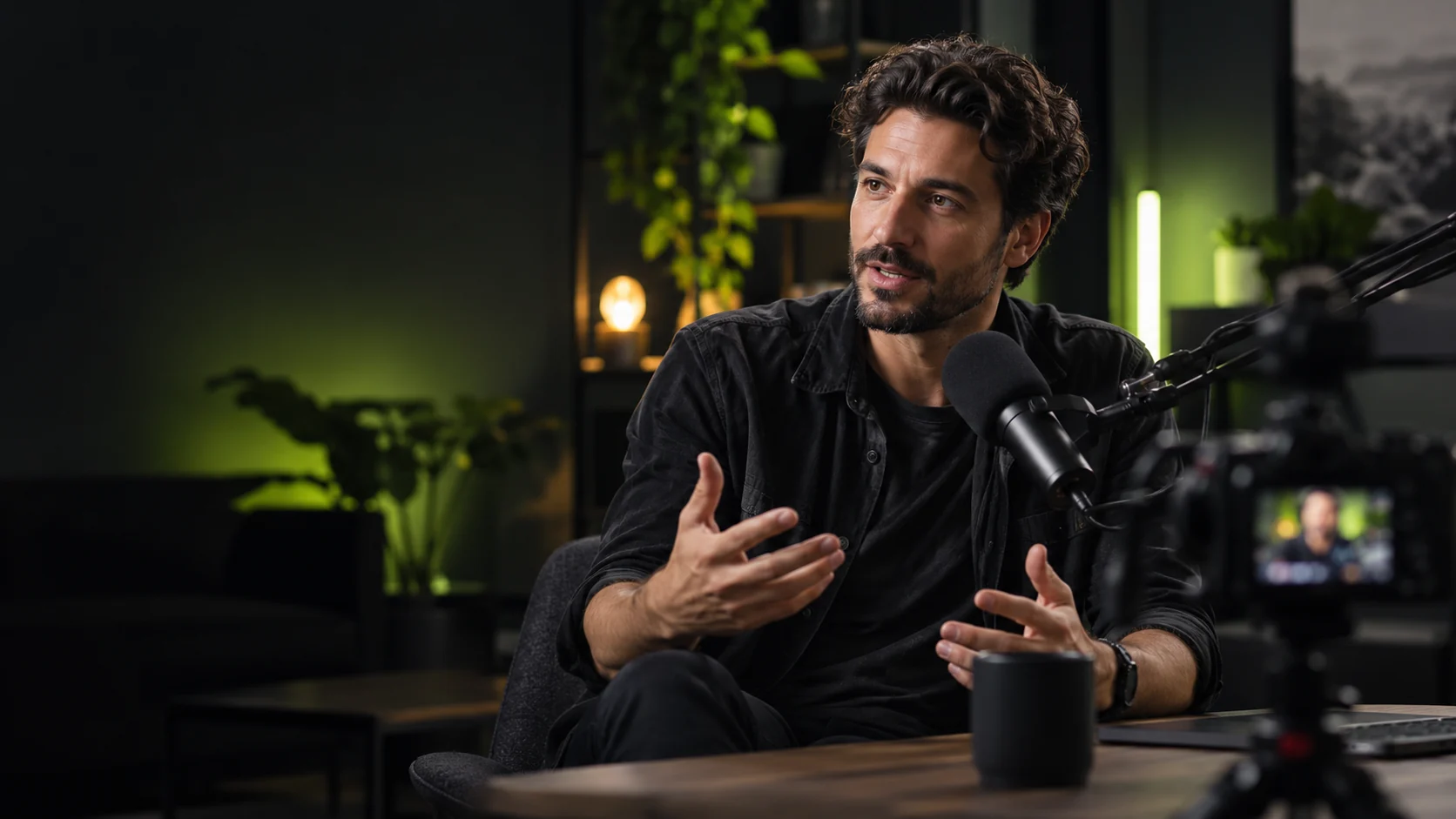
Give your ideas continuity through live interviews, conversations and commentary. WEB-TV creareMEDIA puts browser production behind your format and keeps guest participation as simple as an invitation.
Chiara hosts a programme about an original-music concert. Tommaso supplies the stage camera, Nora joins from backstage and Leo comments from home. WEB-TV creareMEDIA combines performance and conversation without turning the scene into an undirected video grid. Names and concert are illustrative; a real broadcast needs appropriate rights.
Fictional participants and scenario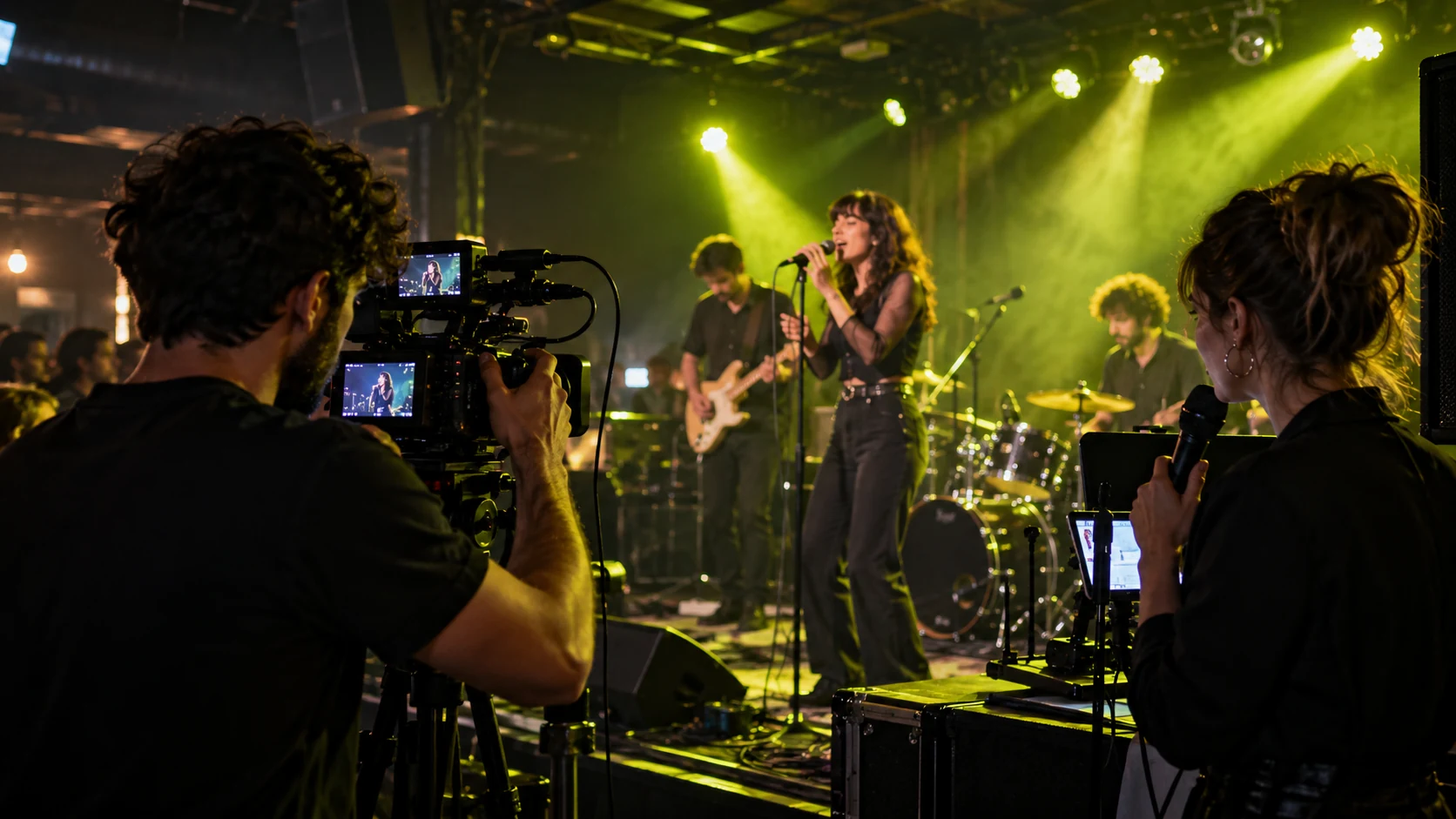
The creator’s camera introduces performers and context after connection checks.
The stage becomes primary. Commentary accompanies agreed moments.
Backstage joins after noise and return-feed checks.
Main stage picture with Chiara and guests in available corner tiles.
Main stage picture with Chiara and guests in available corner tiles.
Supplies the stage picture through compatible capture hardware or an encoder.
Hosts on webcam; her face accompanies Tommaso’s stage picture.
Joins by phone between songs when the audio environment allows.
Listens through headphones and comments by smartphone from a quiet room.
Production decides what enters the programme
↔ Audio and video return to guests+ Final programme recording, when enabled
Concert audio can be reduced automatically during commentary. Rehearse the reduction: a musical passage may be essential to the explanation. Headphones, microphones and speaking turns prevent backstage noise or feedback from overwhelming the show.
Illustrative levels: actual settings need a production rehearsal.
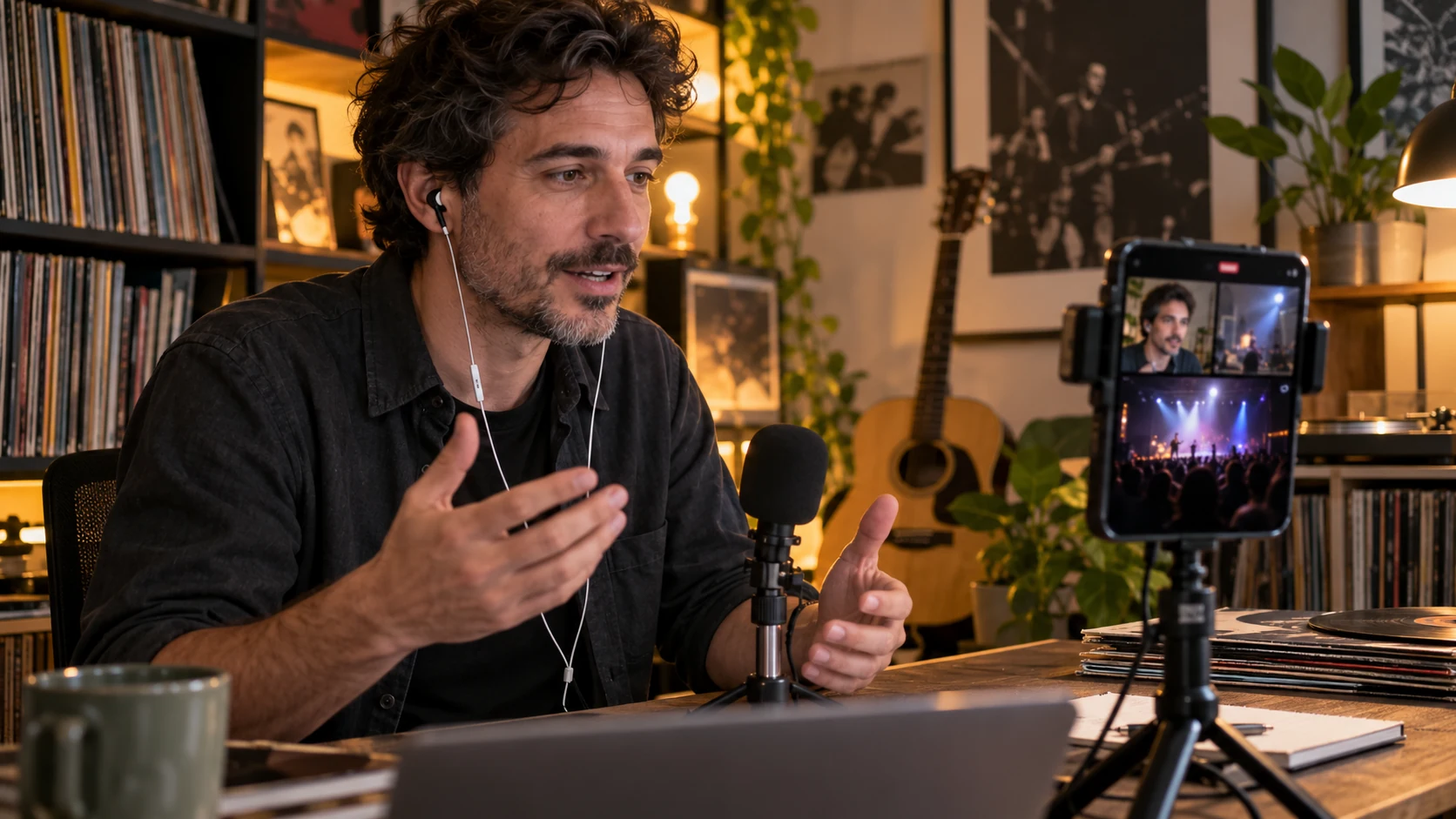
Listens through headphones and comments by smartphone from a quiet room.
With WEB-TV creareMEDIA, you can be the main face or comment on another source. If the event camera is your camera, your additional tile is omitted; when the event comes from elsewhere, your image can accompany it. This supports analysis, demonstrations, discussions and guest appointments without duplicating the host’s image.
Invite an author, expert or fellow creator to join from a computer or phone. Production admits them and places them in the chosen composition. Four corner tiles keep the event prominent. Automatic event-audio reduction helps commentary stand out once levels are properly adjusted; headphones and a connection test remain important.
Prepare an opening, titles, names and ticker consistent with your project. Saved scenes reduce repetitive setup and multistreaming reaches enabled destinations. Record the final programme to keep what was broadcast. Automatic clips, transcript-based editing and publishing Reels are not part of the current version and require external tools.
Chiara prepares opening, performance, conversation and closing. The running order distinguishes listening from commentary rather than relying on automatic camera switching. Production selects scenes for each moment and checks that the backstage guest is ready.
When Chiara’s camera is the main picture, her extra tile disappears. With Tommaso’s stage as the main source, she can return as a commentator. This supports switching between a personal introduction and event analysis.
Concert audio can be reduced automatically during commentary. Rehearse the reduction: a musical passage may be essential to the explanation. Headphones, microphones and speaking turns prevent backstage noise or feedback from overwhelming the show.
Main stage picture with Chiara and guests in available corner tiles.
The audience should know when to listen and when to follow analysis. The software composes and distributes; the creator decides when to leave room for the performance.
The final recording contains cuts and graphics, not isolated recordings of Tommaso, Chiara, Nora and Leo. Freely rebuilding camera choices would require separate source recording, which is not included today.
The current browser production is HD 720p. Test remote connections and the planned number of guests in the actual installation.
No. Check permissions for music, performance and images first. The software grants no content rights.
It can be an event source when correctly connected and selected. Test orientation, stability, audio and network first.